Church Treasurer App: Offering Count, Deposit Slip, Giving Records and Year-End Giving Statements by WiseYears Apps
$29.99
Count with two sets of eyes, print the deposit slip, and keep giving records on this device. Large type, short steps, no account.
Share
See how it works
The screenshots below are from the app, in the order you work through them.
Step 1
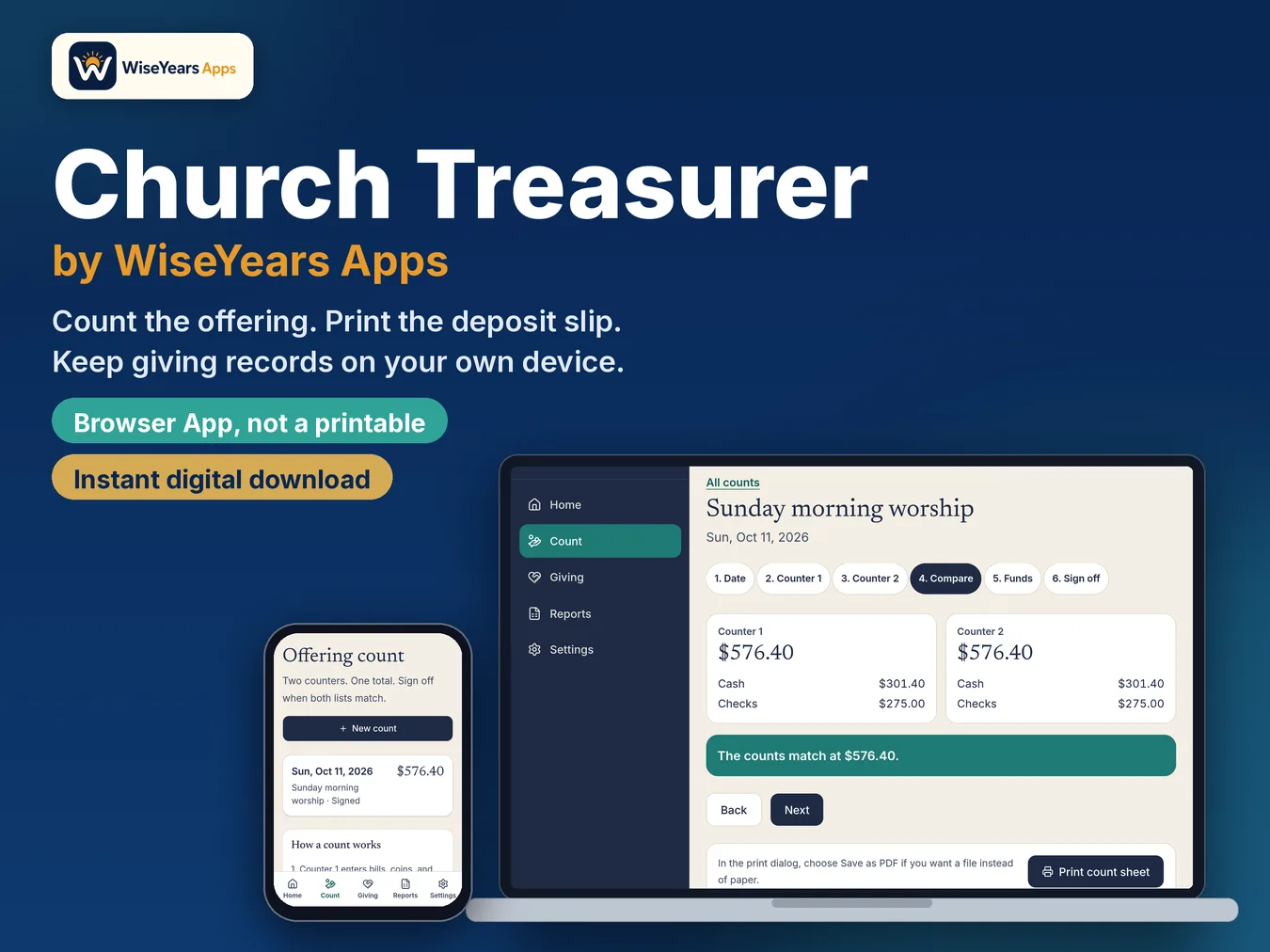
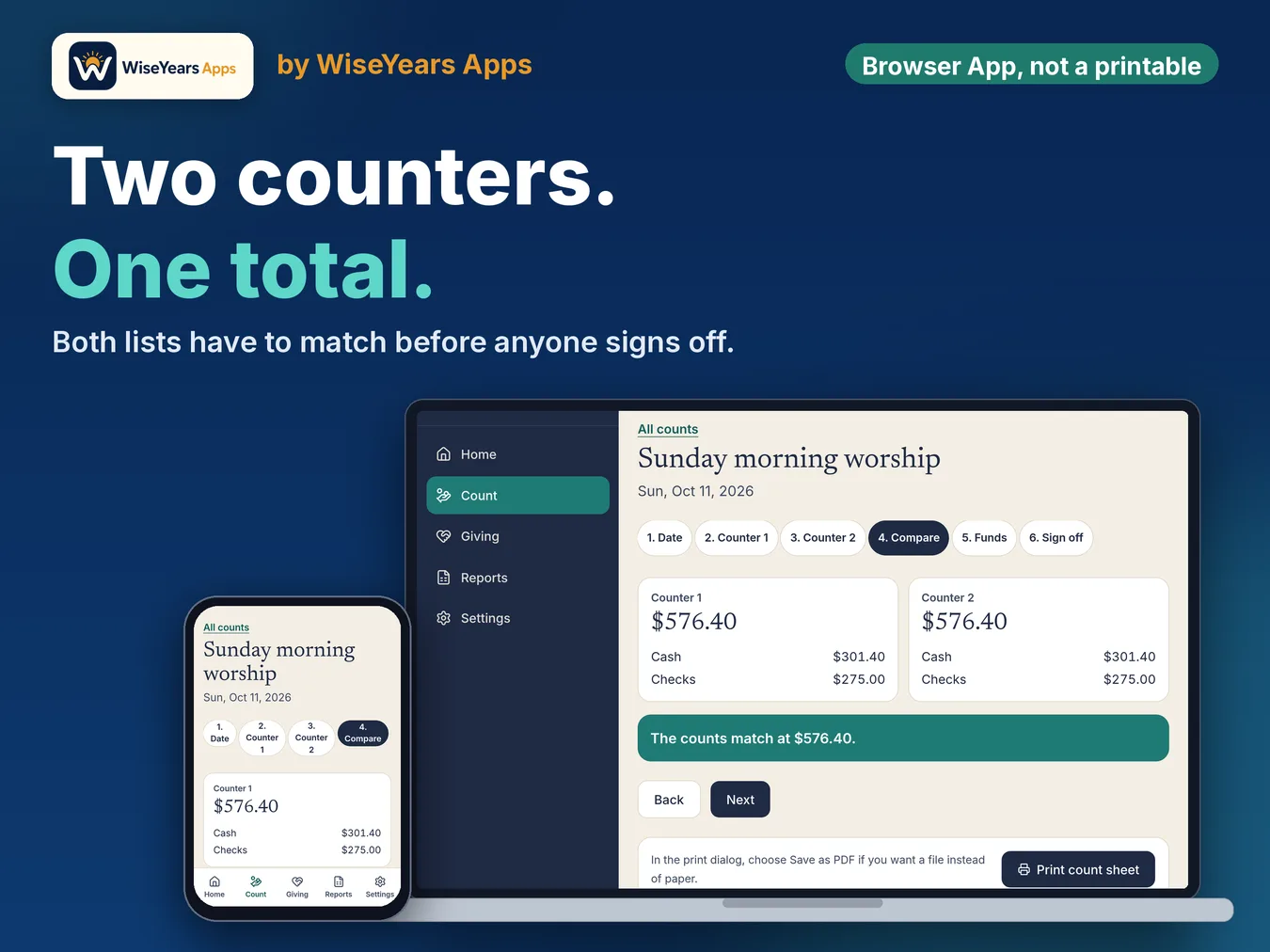
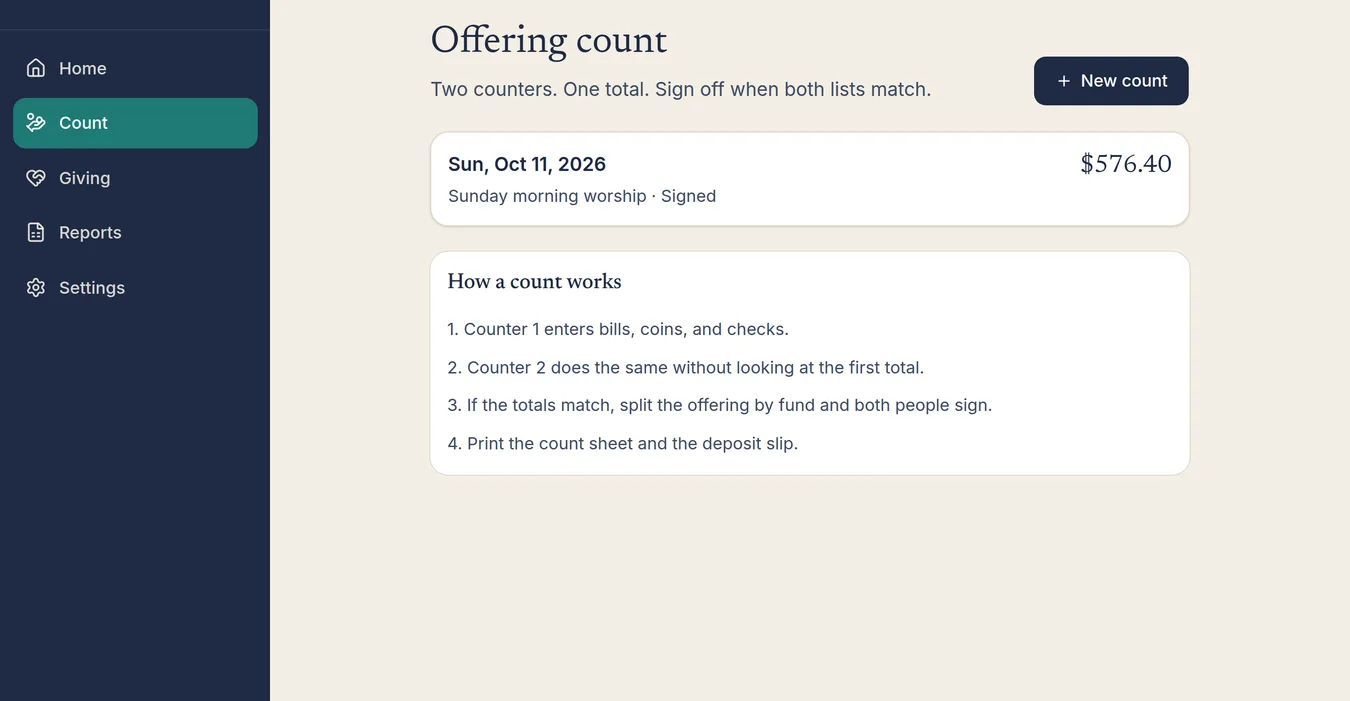
Count the offering with two counters. The app totals both lists and asks them to sign off when they match.
Step 2
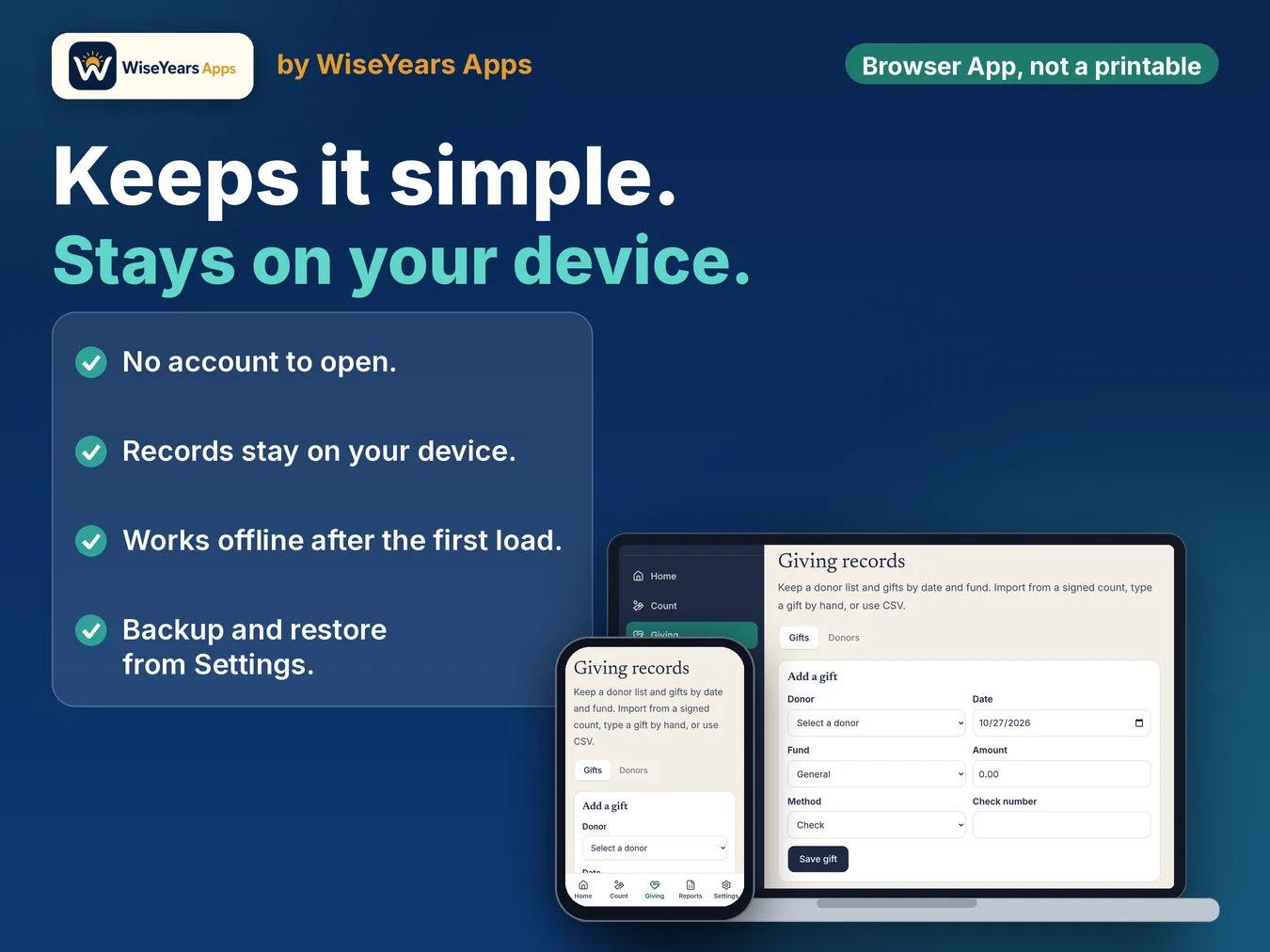
Keep giving records by donor, date, and fund. Import named checks from a signed count, type a gift, or use CSV.
Step 3
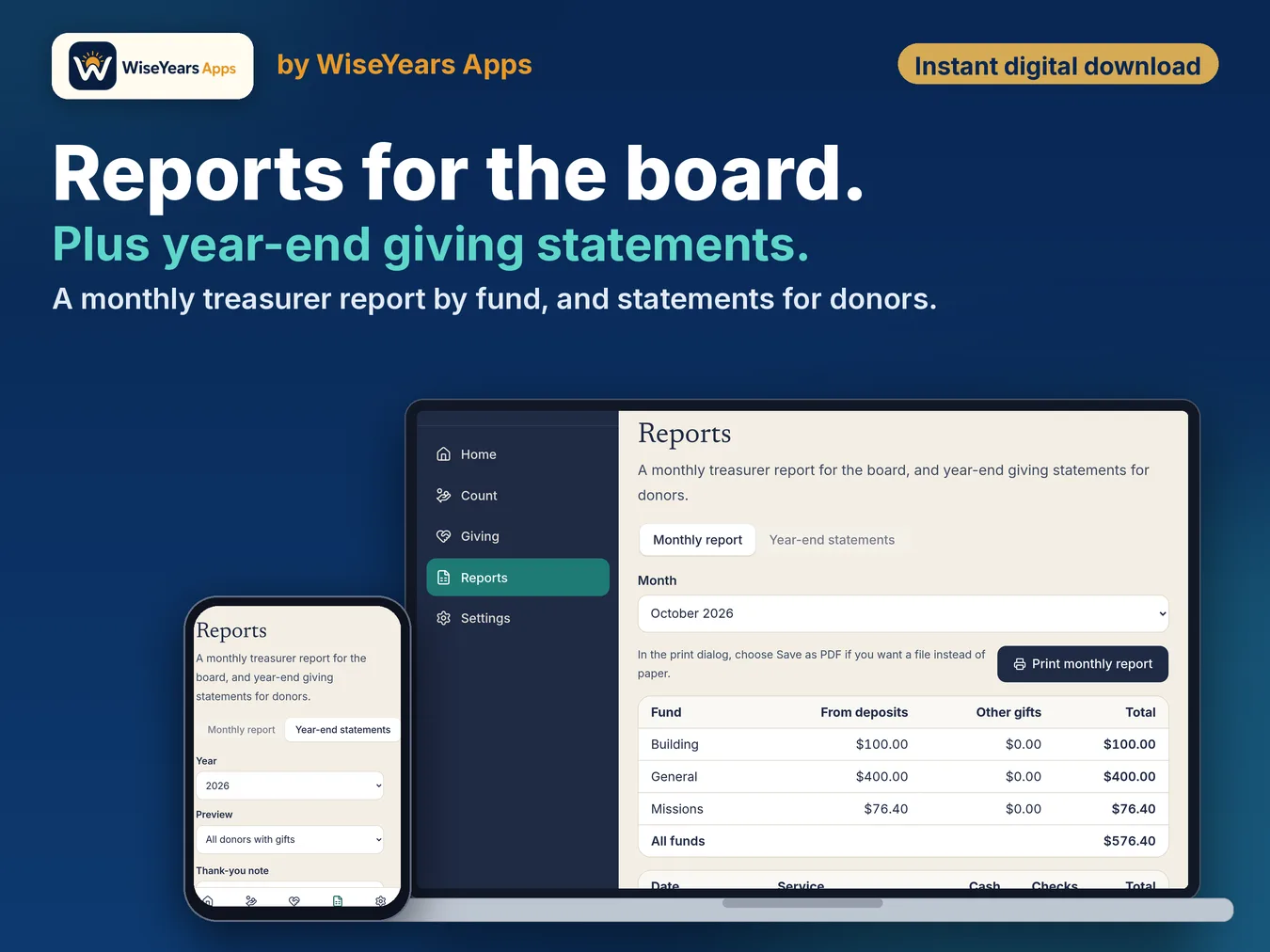
Print a monthly treasurer report for the board, and year-end giving statements for donors.
Step 4
Church name, funds, and a backup file stay on this device. There is no account.
Screenshot
Screenshot from the app.
Screenshot
Screenshot from the app.
Screenshot
Screenshot from the app.
Watch the walkthrough
What's inside
- Two-person offering count: each counter enters bills, coins, and checks. The app warns you if their totals differ so it can be fixed before the deposit.
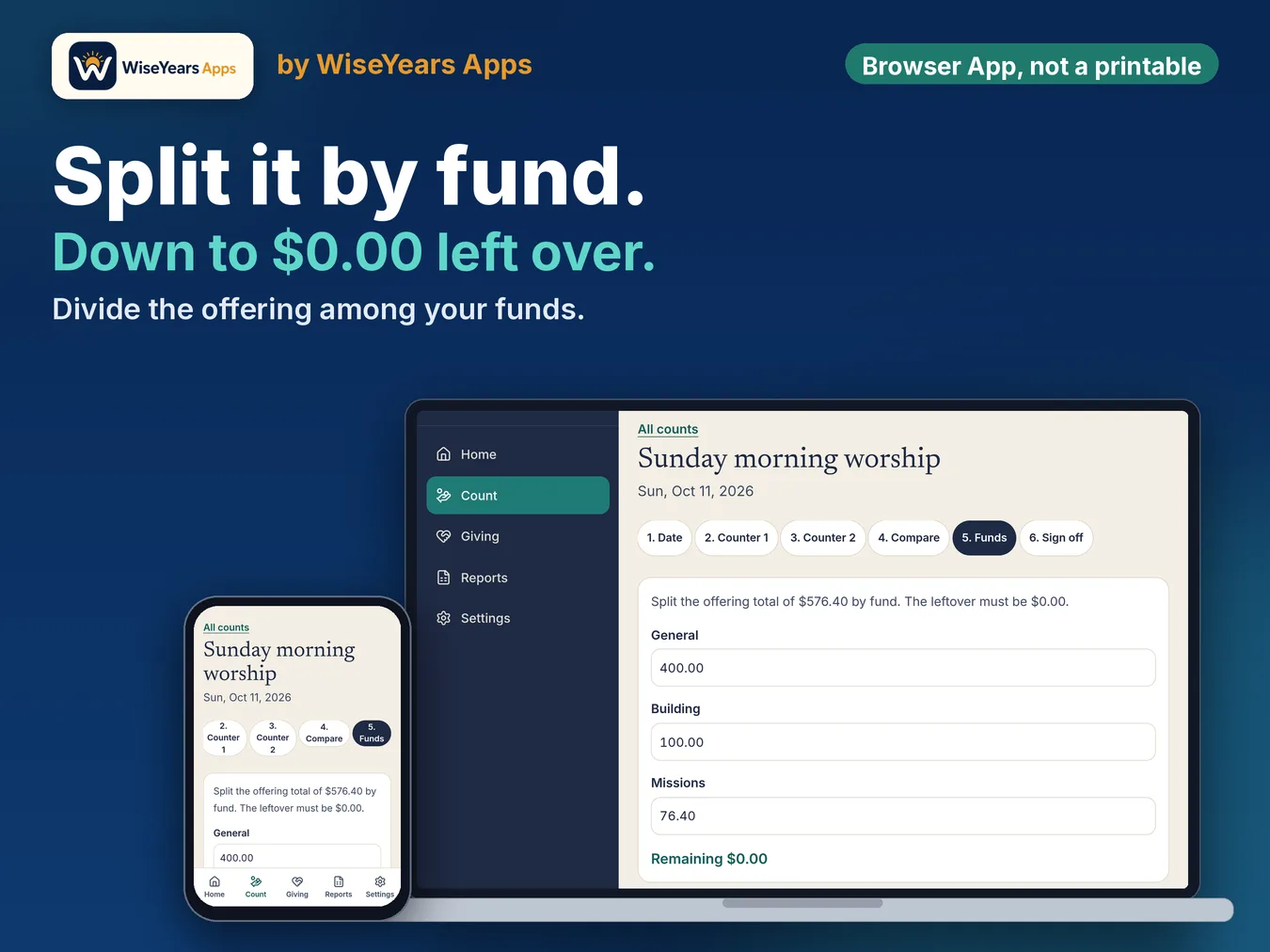
- Split by fund: General, Building, and Missions are built in, and you can add your own. The split has to tie to the total.
- Sign-off and count sheet: both counters sign off, then print the offering count sheet for your files.
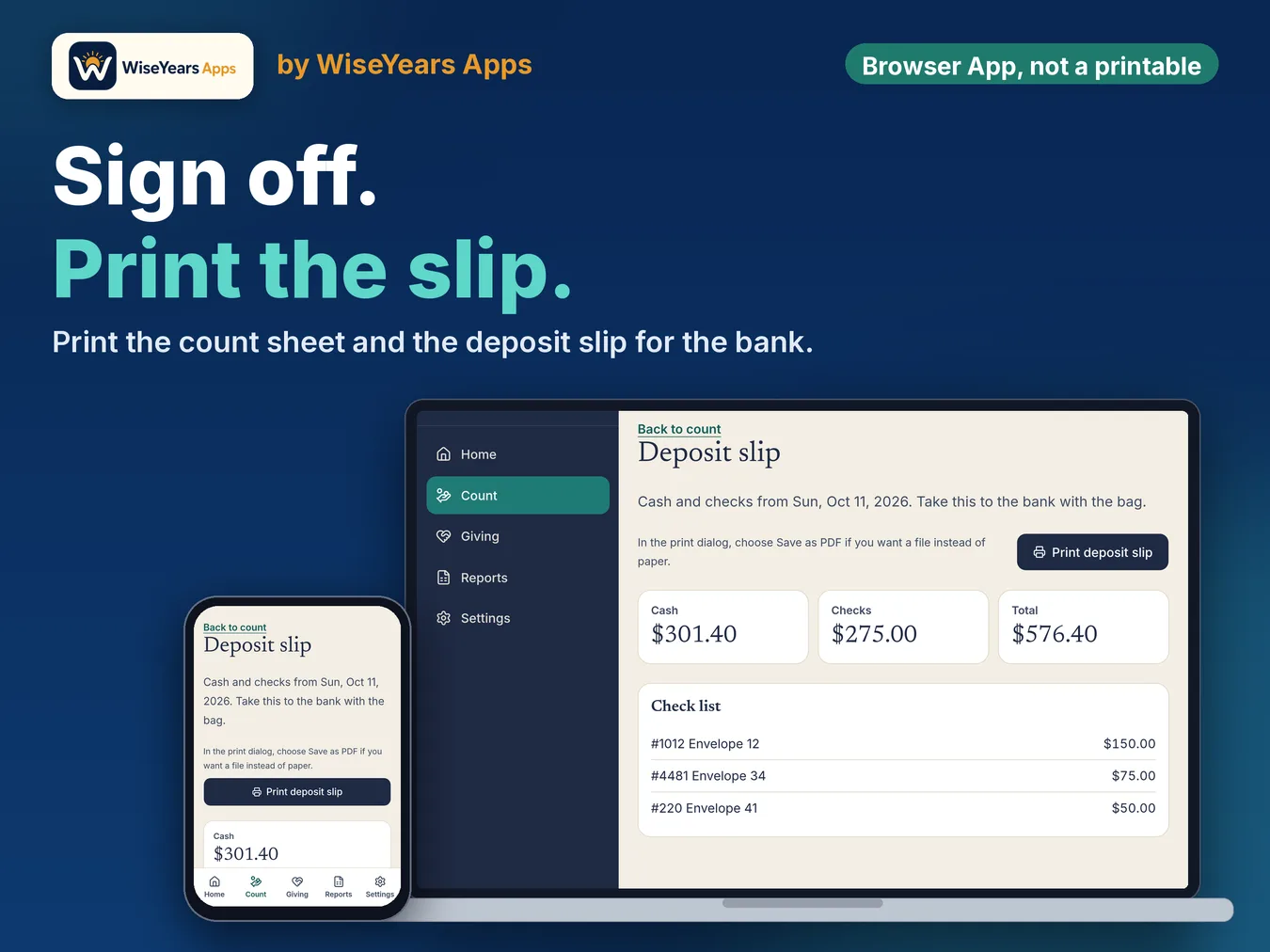
- A deposit slip fills in from a matched count: cash total, check total, and each check listed. Print it or save as PDF for the bank.
- Giving records by donor, date, and fund, with names or envelope numbers. Pull gifts in from a signed count, type them in, or use CSV.
- A monthly treasurer report with income by fund and deposits, ready for the board.
- Year-end giving statements, with your church details from Settings.
- Backup and restore file so you can move to a new device. Records stay on this device.
- This is an app, not a spreadsheet file. There is no account and no monthly fee.
Who it's for
- Church treasurers counting the offering and keeping giving records
- Two-person count teams that need the totals to agree before the deposit
- Treasurers who want year-end giving statements without a monthly software fee
Details
This browser app is for treasurers and offering counters at small churches. Two counters enter the offering separately, and the app warns you if their totals differ so it can be fixed before the deposit.
It covers the Sunday count, a deposit slip that fills in from a matched count, giving records by donor, date and fund, a monthly treasurer report, and year-end giving statements. Records stay on the device you use. There is no account and no monthly fee. It does not include bank reconciliation, budgets, expenses, or payroll.
Count with two counters until the totals match and they sign off. Keep giving records from a signed count, by typing, or with CSV. Print the monthly report for the board and year-end statements for donors. Save a backup file if you move to a new device.
Where is my data stored? On your device. Church data is not sent to a server, so save a backup file now and then.
Is this a spreadsheet? No. It is a browser app, not a spreadsheet file.
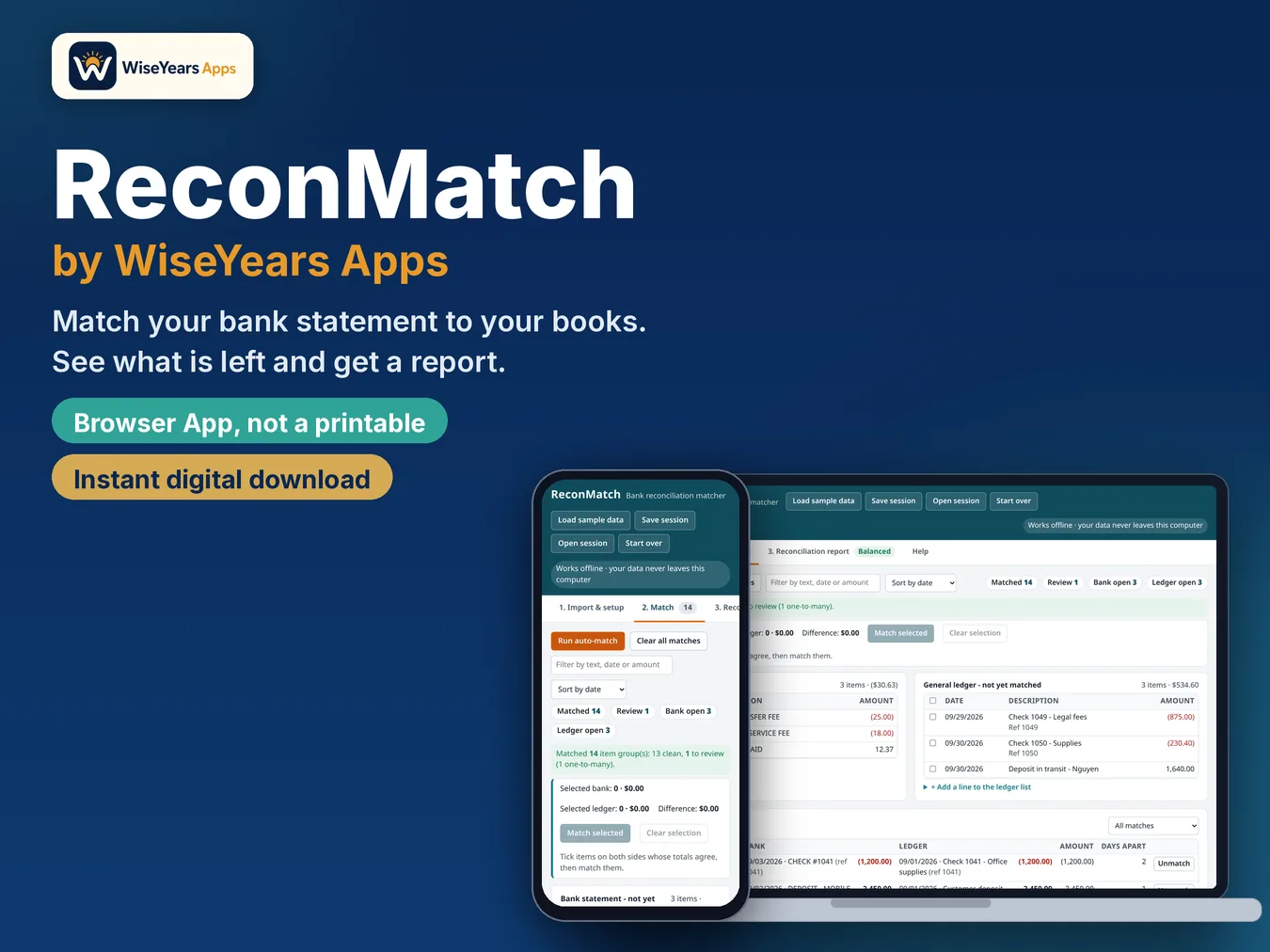
Does it include bank reconciliation? No. Bank reconciliation, budgets, expenses, and payroll are not included.
Before you buy
Organizational tool, not tax, legal, or accounting advice. Church Treasurer helps you count the offering, keep giving records, and print reports. It does not include bank reconciliation, budgets, expenses, or payroll.
Runs in the browser. This is an app, not a spreadsheet. Checkout and delivery open in a new tab.
Checkout and delivery open in a new tab. One purchase is for your own church.