Nonprofit Bookkeeping Template Bundle for Treasurers: Excel and Sheets
$49.99
A restricted gift is not general cash, even when it sits in the same bank account. The bank balance and the amount left for each purpose are two different numbers.
Share
What's inside
- Templates for a small nonprofit treasurer.
- Fund tracking that separates restricted gifts from board-designated and general funds, and flags a fund below zero.
- Income and expense records a new treasurer can follow.
- Bank reconciliation with reviewer sign-off.
- A board report and budget versus actual, so the board can read the funds and the budget in one report.
Who it's for
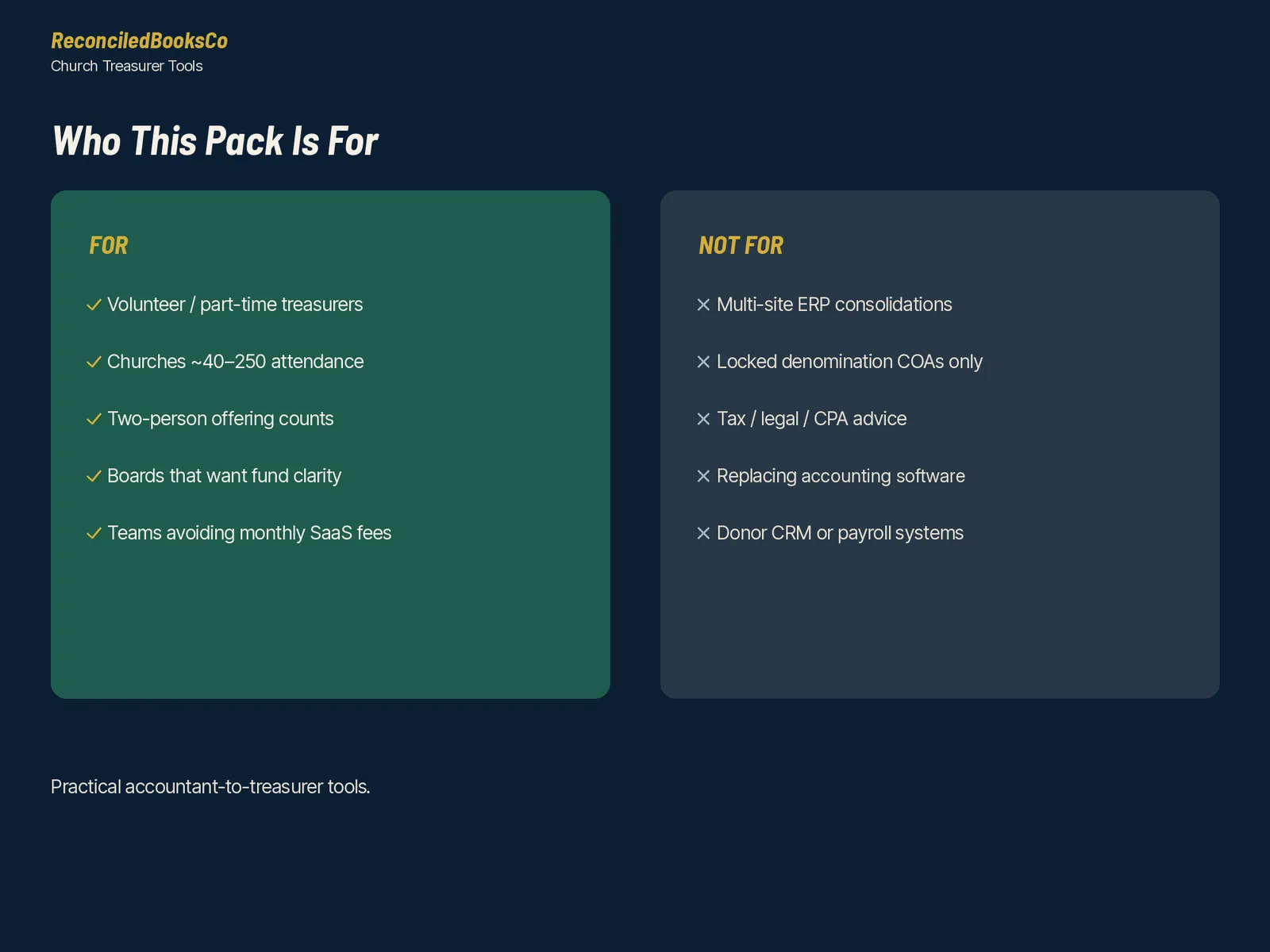
- Treasurers at small nonprofits
- Boards that want a report they can read in one sitting
- Organizations that receive restricted gifts and need each fund balance kept visible
Details
Donations counted on scrap paper, restricted grants tracked from memory and a board report that eats a whole weekend?
This bundle gives a small nonprofit's treasurer or bookkeeper the whole toolkit in one download: all four Nonprofit Treasurer packs and that use the same fund codes from start to finish. Many bookkeeping templates are blank forms. These workbooks do the math and flag errors before they reach the board, a funder or an auditor.
Does the math. Flags errors. Every log has a Check column that tells you what to fix: a deposit that differs from the count, a restricted fund that goes below zero, fund balances that don't equal cash, a bank rec that doesn't tie, bills with no approver at your limit, possible duplicate invoices, budget lines on Watch or Attention, gifts dated outside the giving year, event payments that still need a written acknowledgment or quid pro quo disclosure, grant reports overdue or due soon, grants spending ahead of or behind pace, filings and renewals overdue, and petty cash vouchers with no receipt.
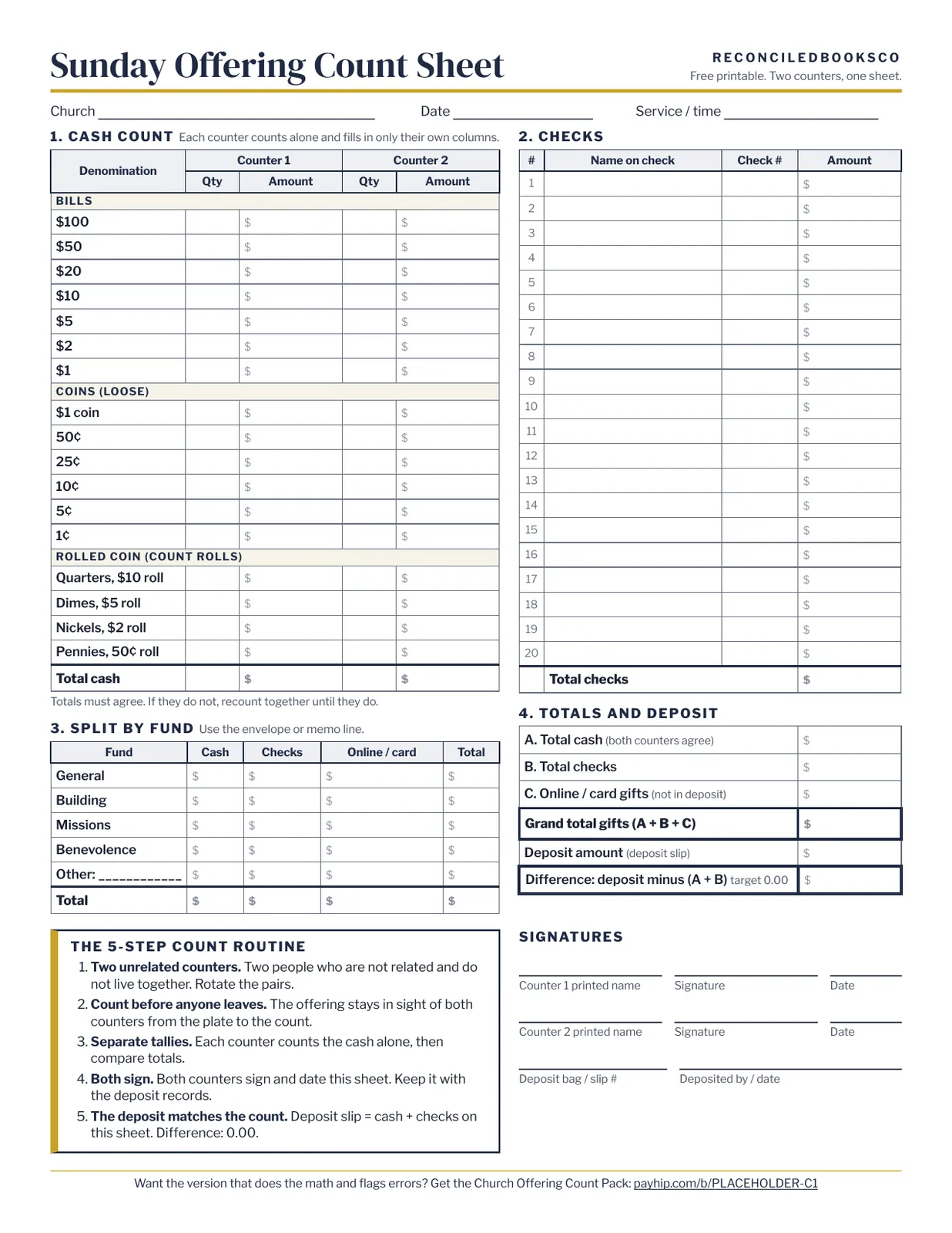
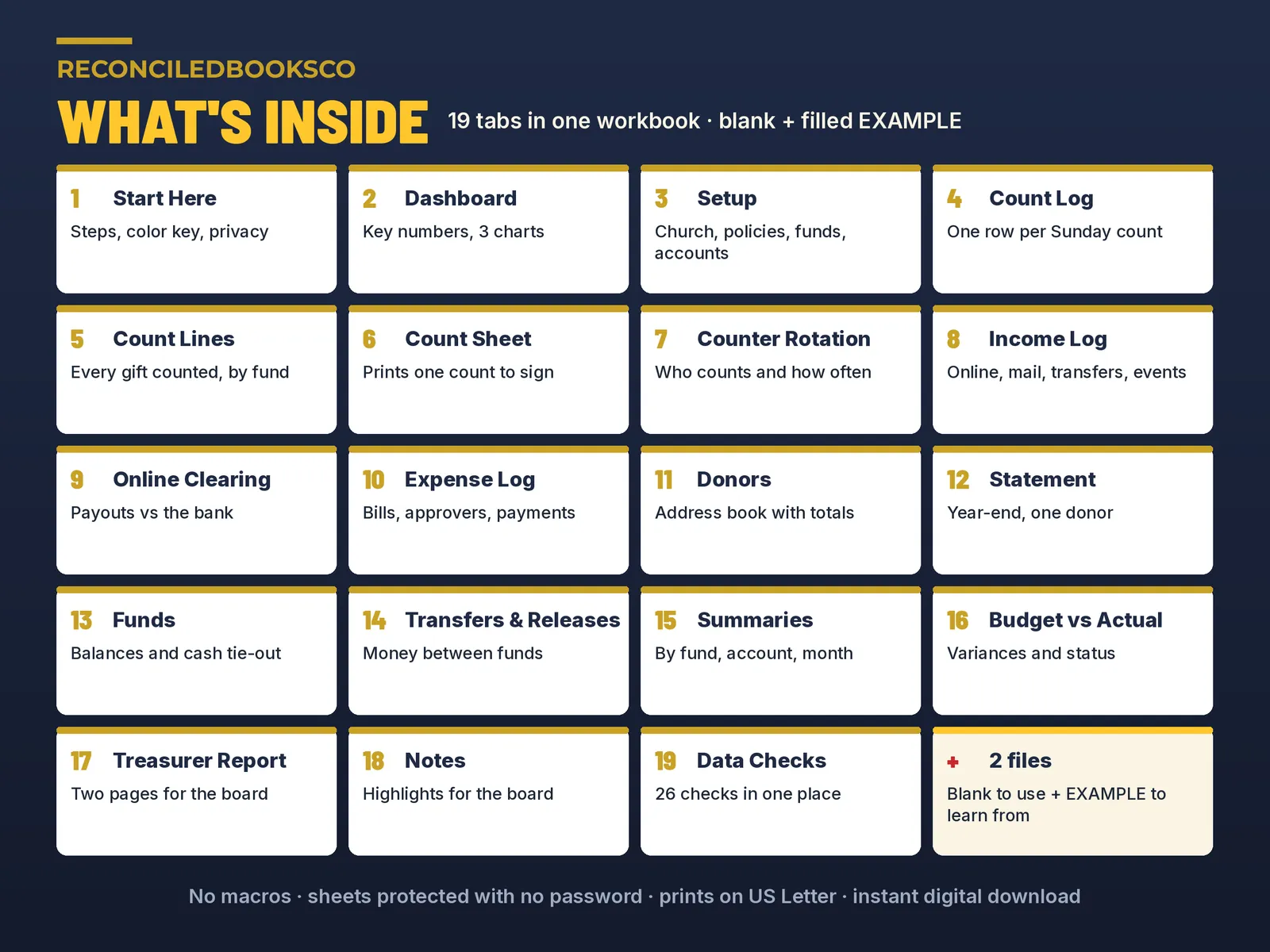
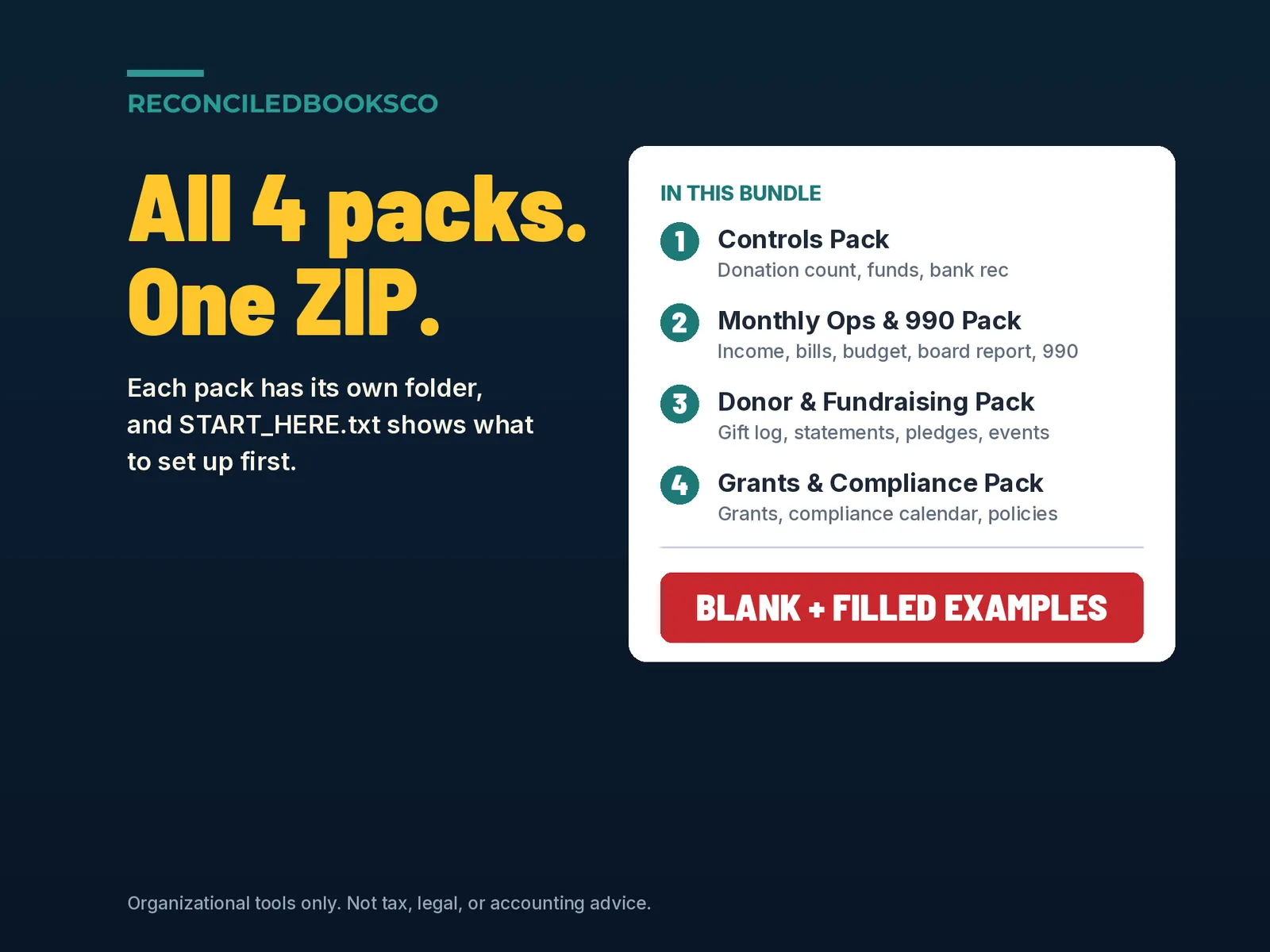
What's included 1 controls pack • Nonprofit_Cash_Donation_Count_Pack.xlsx + EXAMPLE: printable two-counter count sheet, cash and checks by fund, deposit match, weekly log that grades every count • Nonprofit_Funds_Tracker.xlsx + EXAMPLE: donor-restricted, board-designated and unrestricted funds; transfers and releases; net assets with and without donor restrictions; cash tie-out • Nonprofit_Bank_Reconciliation_Workbook.xlsx + EXAMPLE: 12-month bank reconciliation, outstanding items that carry forward, ready-to-post journal entries, reviewer sign-off • Nonprofit_Sample_Chart_of_Accounts.xlsx: 107 numbered nonprofit accounts plus the fund list
2 monthly ops and 990 pack • Nonprofit_Income_Log.xlsx + EXAMPLE: one line per gift or batch by fund and account, online giving clearing (expected payout vs bank deposit) • Nonprofit_Expense_Bill_Log.xlsx + EXAMPLE: bills and payments with due dates, approvers, check numbers and restricted-fund confirmation • Nonprofit_Budget_vs_Actual.xlsx + EXAMPLE: monthly variance in dollars and percent, a board dashboard with projected year end • Nonprofit_Treasurer_Report.xlsx + EXAMPLE: two-page board report with month and year to date vs budget, fund balances by net-asset class and control checks • Nonprofit_Functional_Expense_Allocation.xlsx + EXAMPLE: programs, management & general and fundraising; statement of functional expenses; Form 990 Part IX worksheet
3 donor and fundraising pack • Nonprofit_Donor_Log_Giving_Statements.xlsx + EXAMPLE: gift log by donor ID and fund; pick a donor and a year-end contribution statement fills itself in • Nonprofit_Pledge_Campaign_Tracker.xlsx + EXAMPLE: payment schedules, how far behind, campaign totals against goal, follow-up list • Nonprofit_Fundraising_Event_Tracker.xlsx + EXAMPLE: event revenue, costs and auction items; deductible portion per payment; net proceeds; board dashboard • Nonprofit_Volunteer_Hours_InKind_Log.xlsx + EXAMPLE: roster, hours by program, in-kind gifts log, printable hours statement • Nonprofit_Client_Assistance_Log.xlsx + EXAMPLE: requests by household code (no names), approvals, vendor payments, per-case and annual limits • Nonprofit_Forms_and_Letters_Pack.docx + EXAMPLE: 16 print-ready letters and forms, including donation acknowledgment, quid pro quo disclosure, in-kind receipt and grant thank-you letters
4 grants and compliance pack • Nonprofit_Grant_Tracker.xlsx + EXAMPLE: one line per grant from prospect to closeout; reports due; budget vs actual with an indirect-cost cap check; spending pace • Nonprofit_Compliance_Calendar.xlsx + EXAMPLE: editable library of recurring filings, registrations, renewals and board duties, dated from your fiscal year-end • Nonprofit_Written_Financial_Policies_Starter.docx + EXAMPLE: 13-section financial policy starter for your board to adopt • Nonprofit_Fixed_Assets_Register.xlsx + EXAMPLE: capitalization threshold, straight-line depreciation, disposals, yearly roll-forward, inventory sheet • Nonprofit_Petty_Cash_Reconciliation.xlsx + EXAMPLE: imprest voucher log, cash counts by denomination, one-page reconciliation • Nonprofit_Mileage_Reimbursement_Log.xlsx + EXAMPLE: accountable-plan style mileage and expense claims, printable reimbursement voucher • Nonprofit_Partner_Outreach_Tracker.xlsx + EXAMPLE: monthly commitments to partner organizations, payments by month, balance owed
How it works 1. Open START_HERE.txt and begin with the Controls Pack: chart of accounts, donation count, funds, bank rec. 2. Enter your organization once on each Setup tab: name, fiscal year, funds, accounts, limits and programs. 3. Log gifts, bills, grant payments and claims one line at a time. The Check column flags problems; the treasurer report, statements, calendar and summaries update themselves. 4. Fill in the highlighted blanks in the letters and policies, then have your board adopt the policies. Fund categories used throughout: Unrestricted (General), Board-designated and Donor-restricted, with fund codes like GEN, DES-OPR and RES-BLD. Plain-English Start Here tab in every workbook. No macros.
Works with excel & google sheets Excel: unzip the download, open any.xlsx and start on the Start Here tab. Google Sheets: File > Import > Upload, choose the.xlsx and create a new spreadsheet. Google Sheets does not carry over Excel's sheet protection, so formula cells are unlocked there. The.docx letters and policies open in most document editors.
See it filled in first Every workbook and document comes as a blank copy plus a filled EXAMPLE copy for a fictional organization (the sample chart of accounts is a single ready-to-edit file). Keep the EXAMPLE files as a reference and work in the blank files.
Who this is for Part-time treasurers and bookkeepers at small nonprofits and charitable organizations (roughly 1 to 25 staff) who want the whole toolkit at once: counting and depositing donations, keeping restricted funds straight, closing the month, reporting to the board, thanking donors, tracking grants and staying on top of filings.
Keeping books for a church? The Church Treasurer Complete Bundle has all four church packs:
Instant download · digital files only This is a digital download. Nothing will be shipped. Your download link appears right after checkout and is also in your email receipt. Because these are digital files, all sales are final. If a file won't open, contact us and we'll fix it or send it again. One purchase covers one organization; please don't resell or share the files.
Disclaimer Organizational tools only for small nonprofits and charitable organizations. Not tax, legal, or accounting advice. Not approved or endorsed by the IRS or any regulator. Does not guarantee compliance or a clean audit. Receipt thresholds, due dates and mileage rates are editable starting points; the Form 990 Part IX worksheet is general information. Check every line against the current-year form and instructions, and have a qualified CPA or attorney confirm how these tools apply to your organization and review the policies before adoption. The organizations, people and numbers in the EXAMPLE files are fictional.
Built by ReconciledBooksCo, a small shop run by an experienced accountant.
Before you buy
Organizational tools, not tax, legal, or accounting advice, and not a full accounting system. Confirm donor-restriction and filing questions with your CPA. This page describes the jobs the bundle covers. Ask us if you need a specific file confirmed before you buy.
Excel and Google Sheets. No macros. Paid spreadsheet products include a blank file and a filled example, plus a Start Here tab in plain English.
Licensed for one organization per purchase.