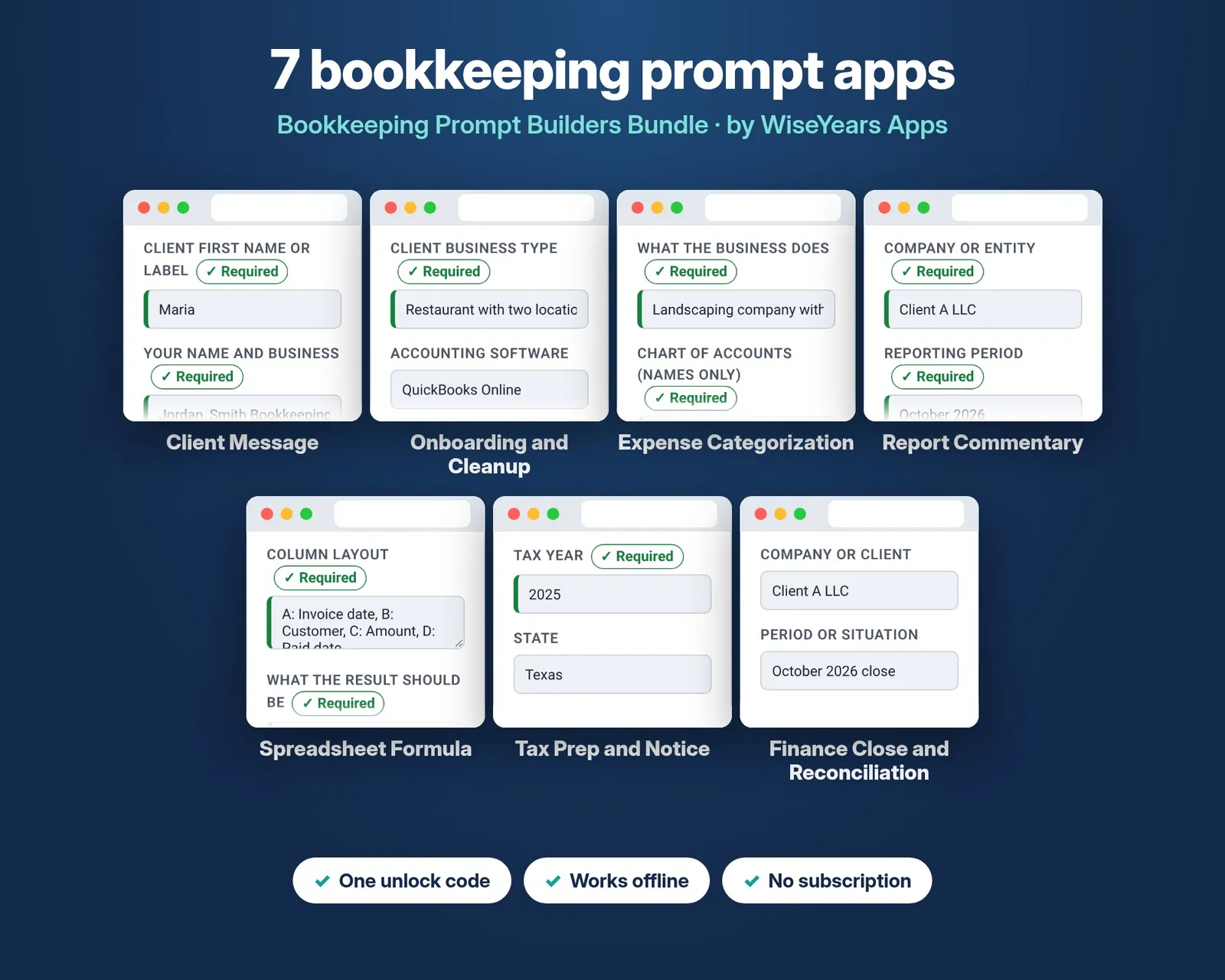
Expense Categorization Prompt Builder by WiseYears Apps
$15.00
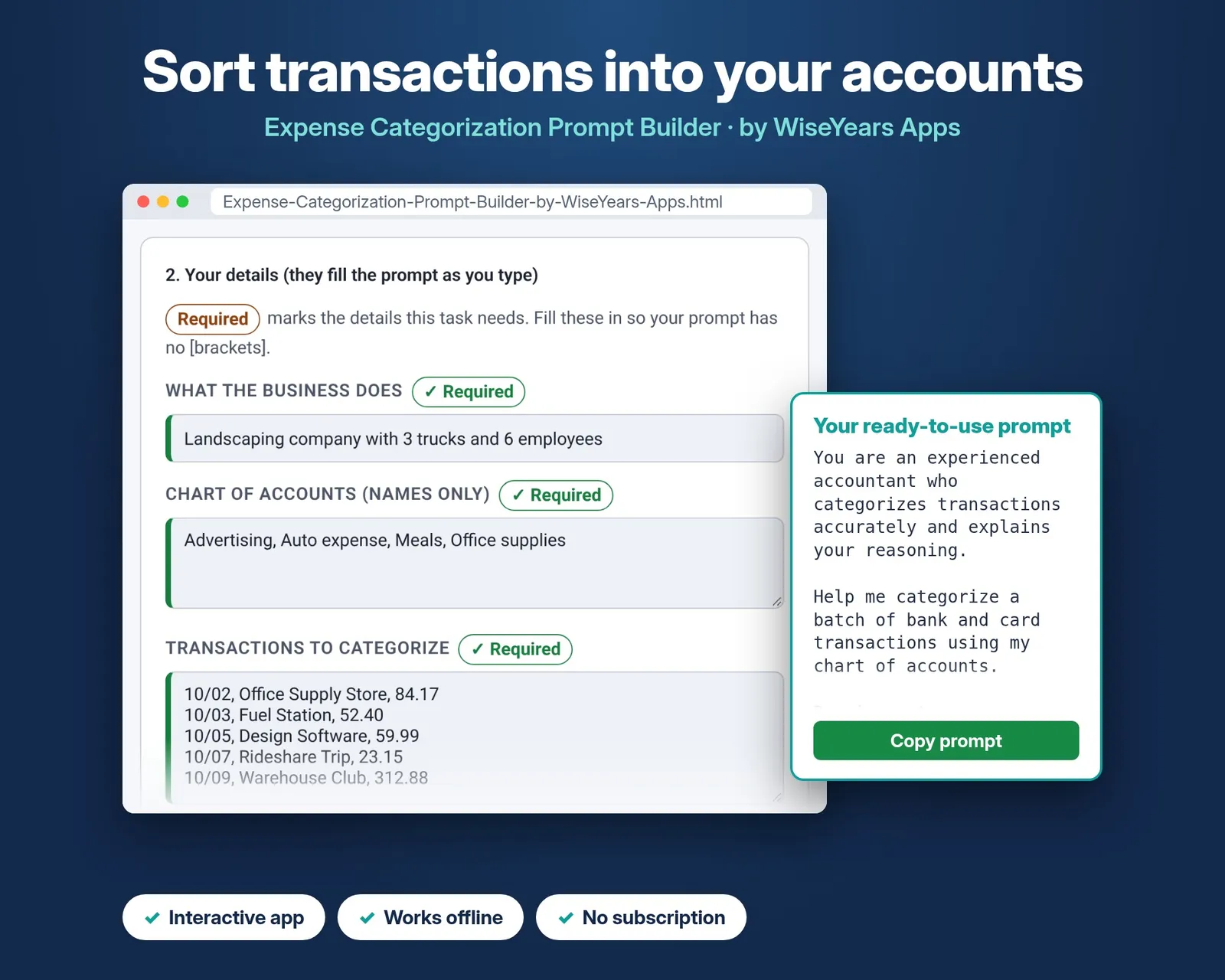
Ready-to-use AI prompts that sort transactions into your accounts, list questions for unclear items, split mixed spending, and set vendor rules you reuse.
Always check AI answers with a qualified professional. This is not tax, legal, or accounting advice.
Share
See how it works
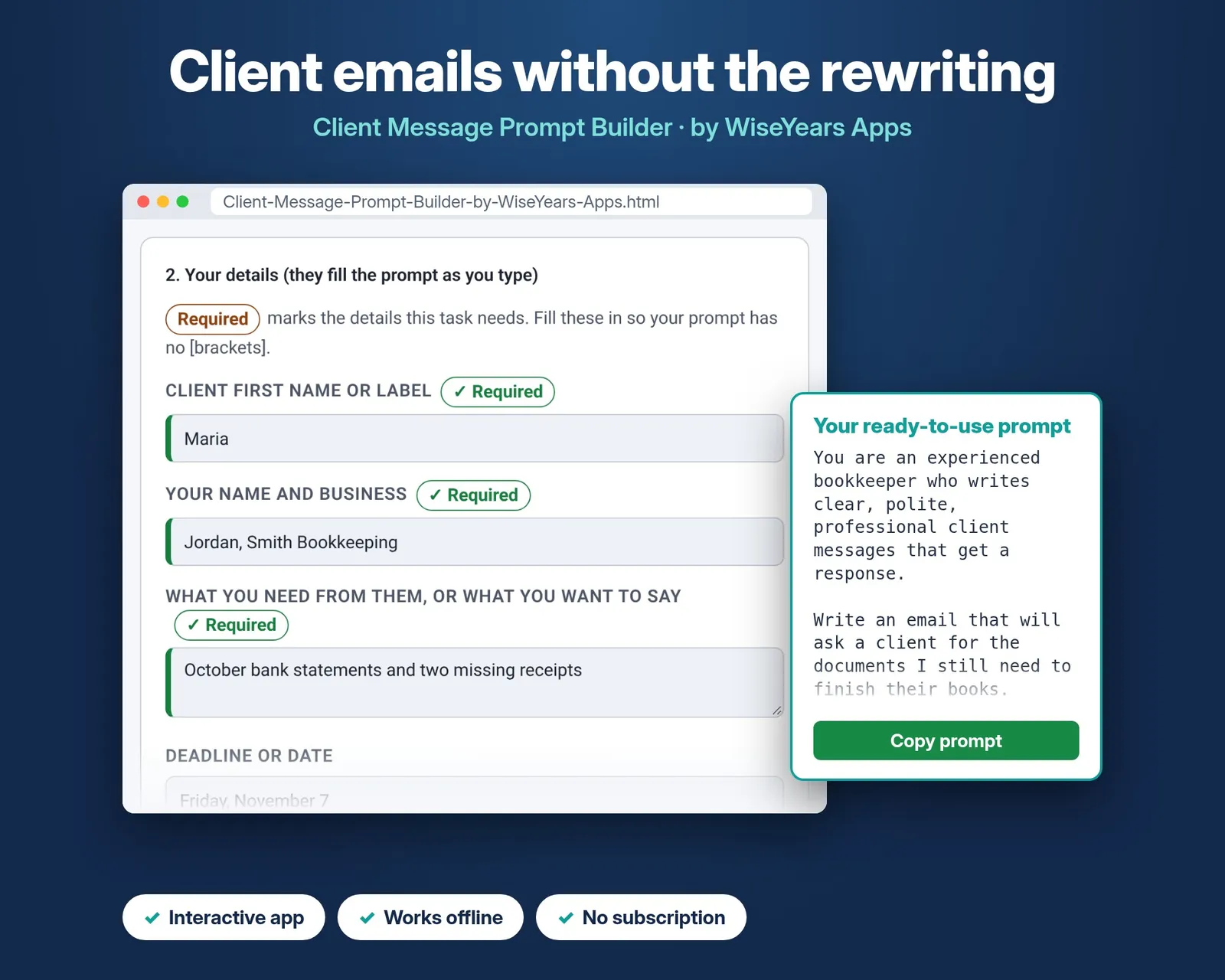
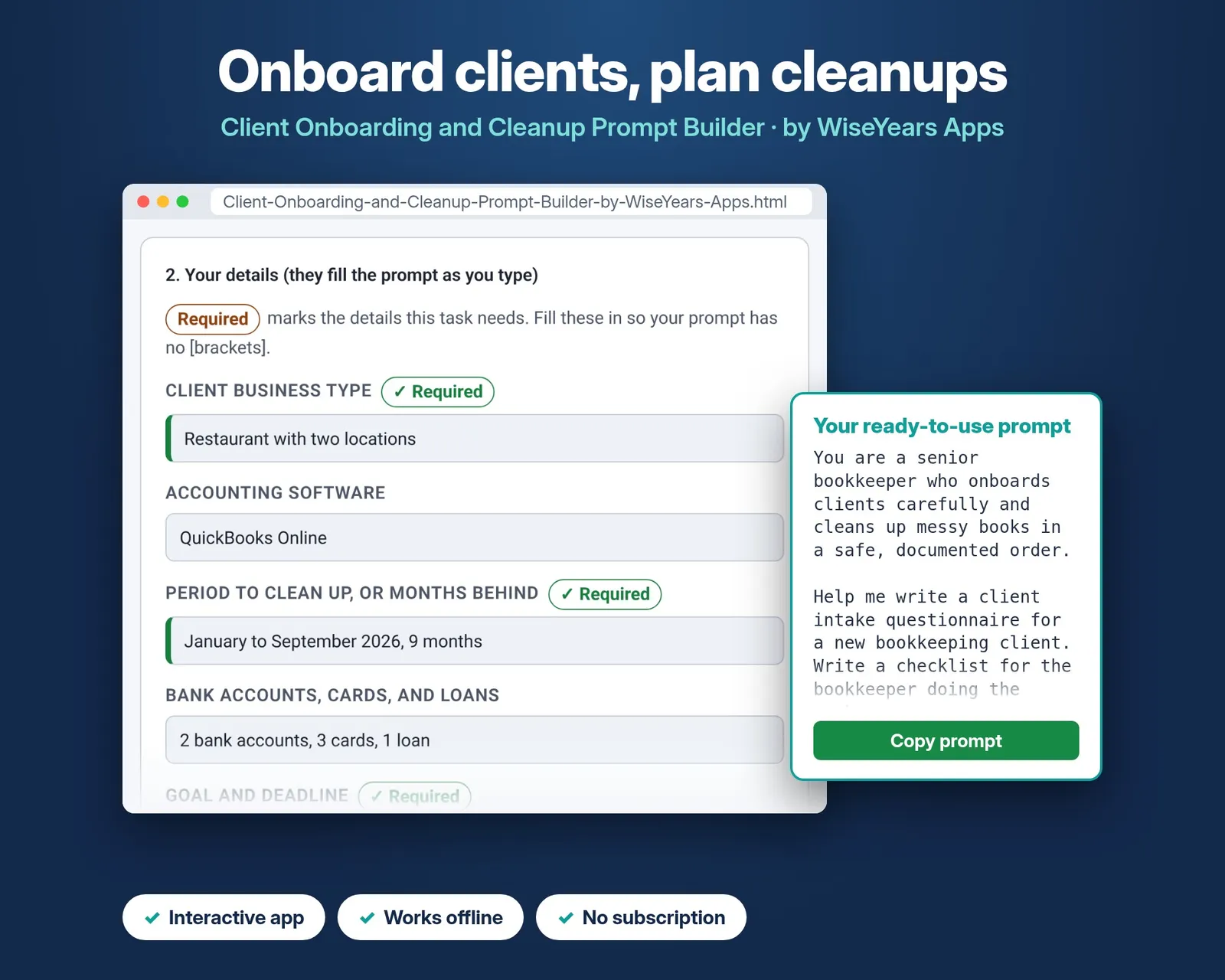
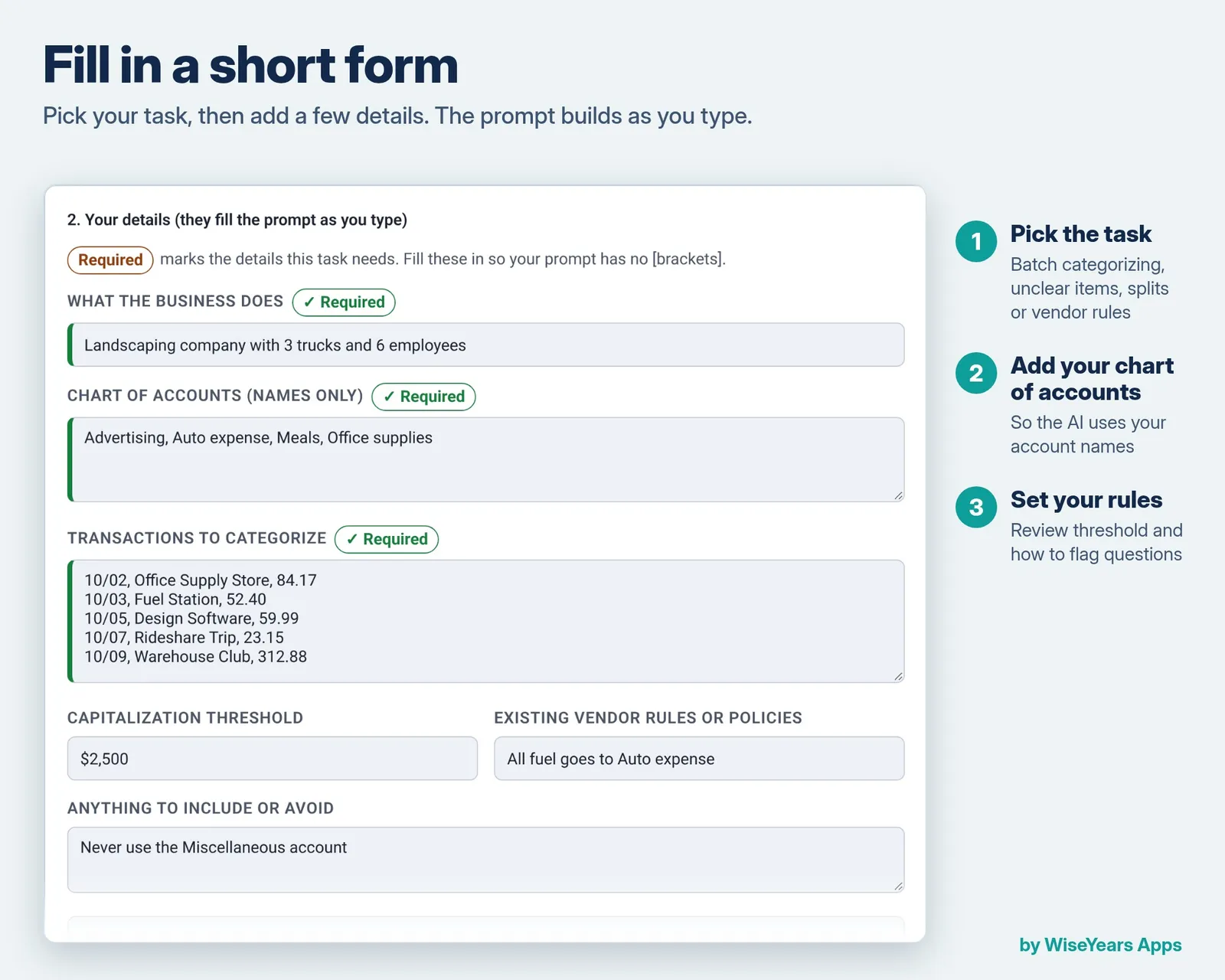
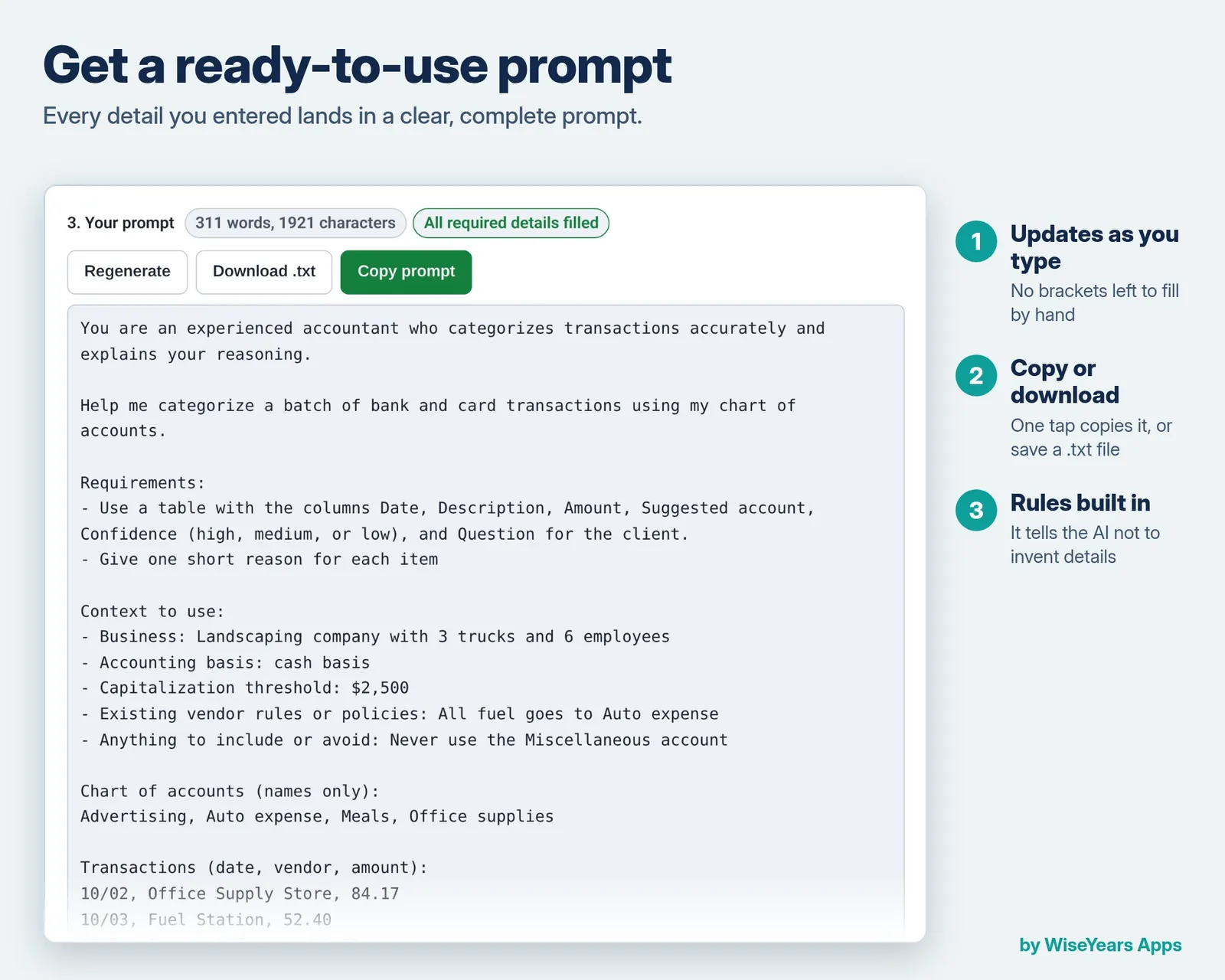
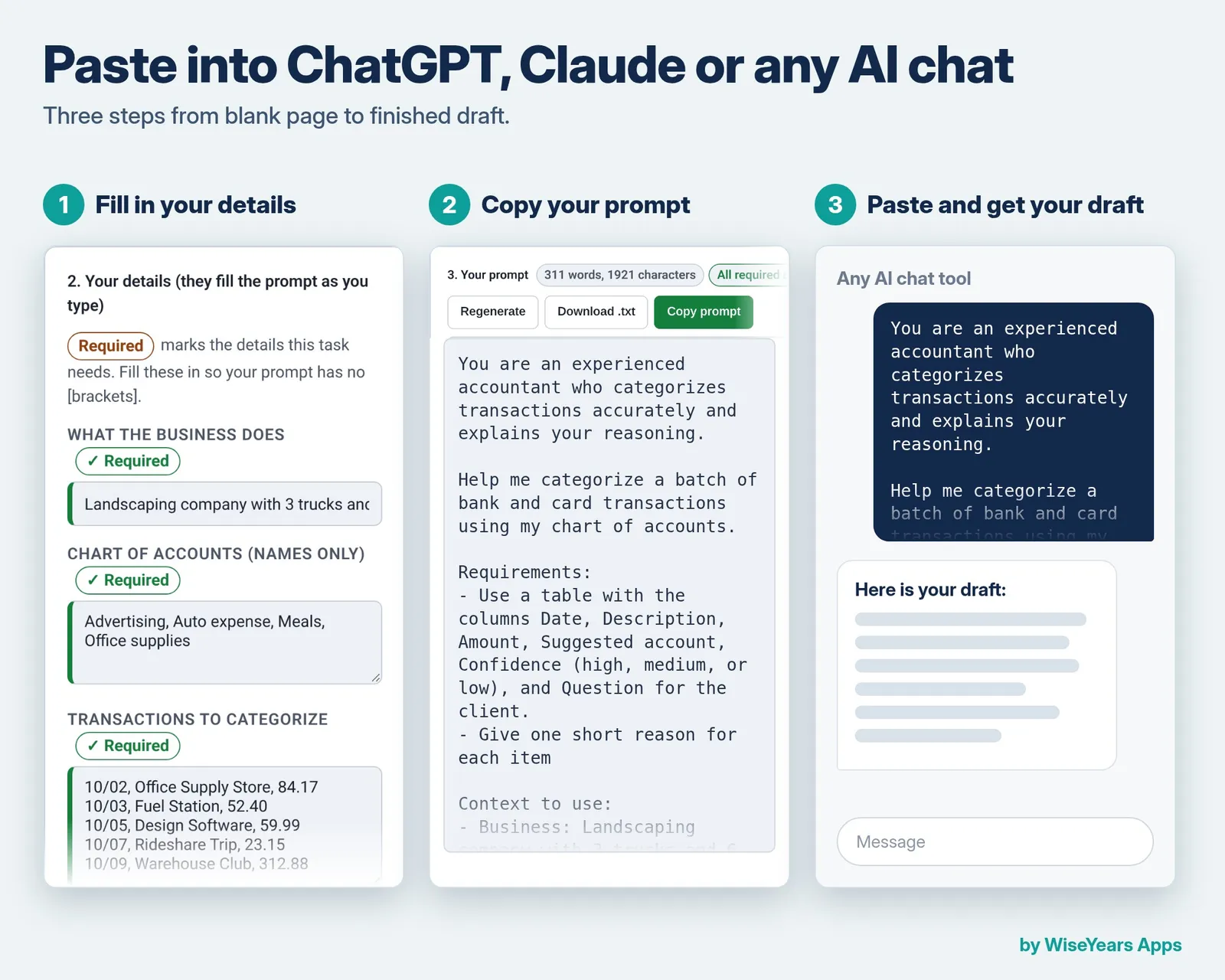
The screenshots below are from the app, in the order you work through them.
Step 1
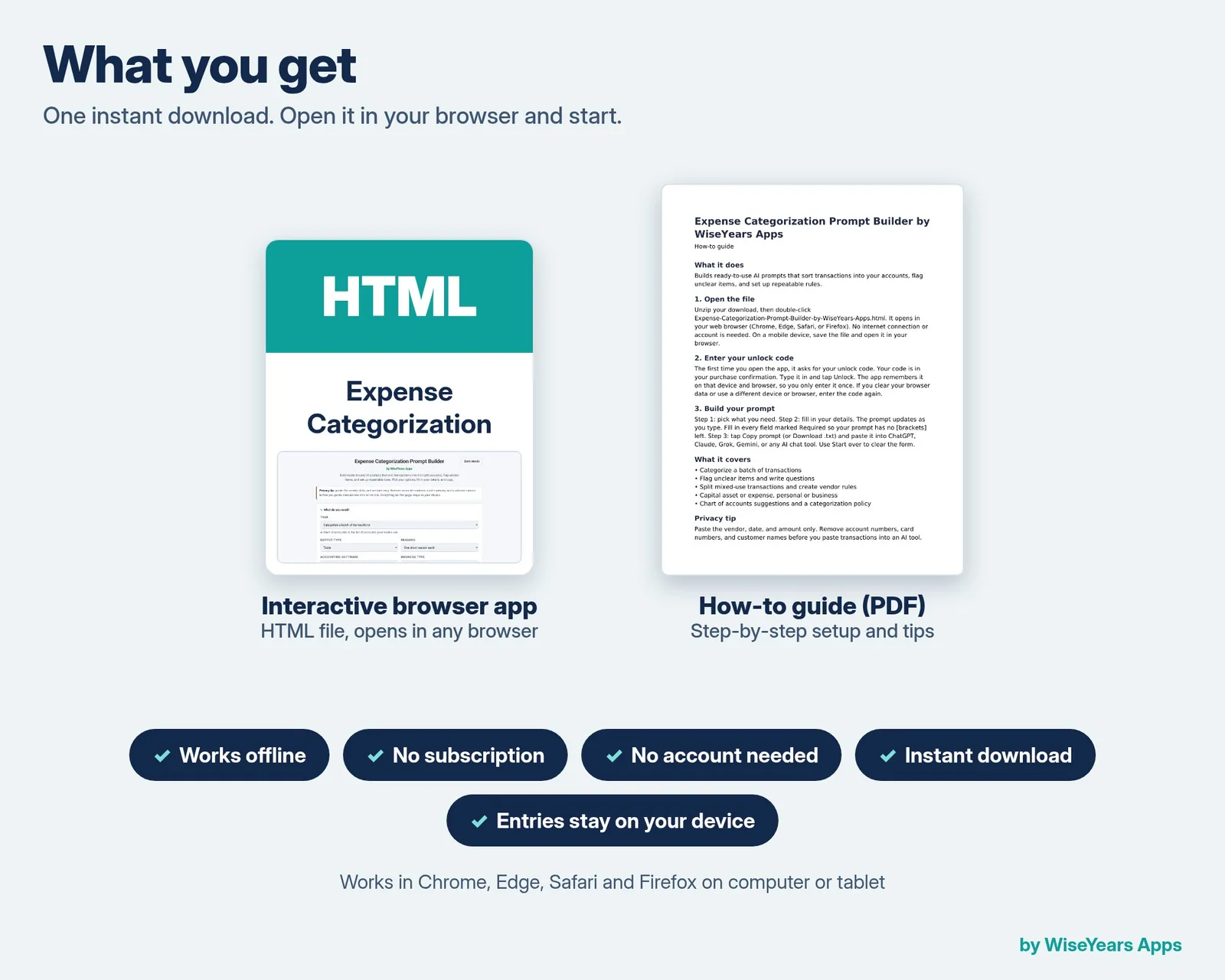
Open the app in your browser. There is no account and no install.
Step 2
Pick a task, fill in your details, and copy the finished prompt into your AI chat tool.
Screenshot
Screenshot from the app.
Screenshot
Screenshot from the app.
Screenshot
Screenshot from the app.
Screenshot
Screenshot from the app.
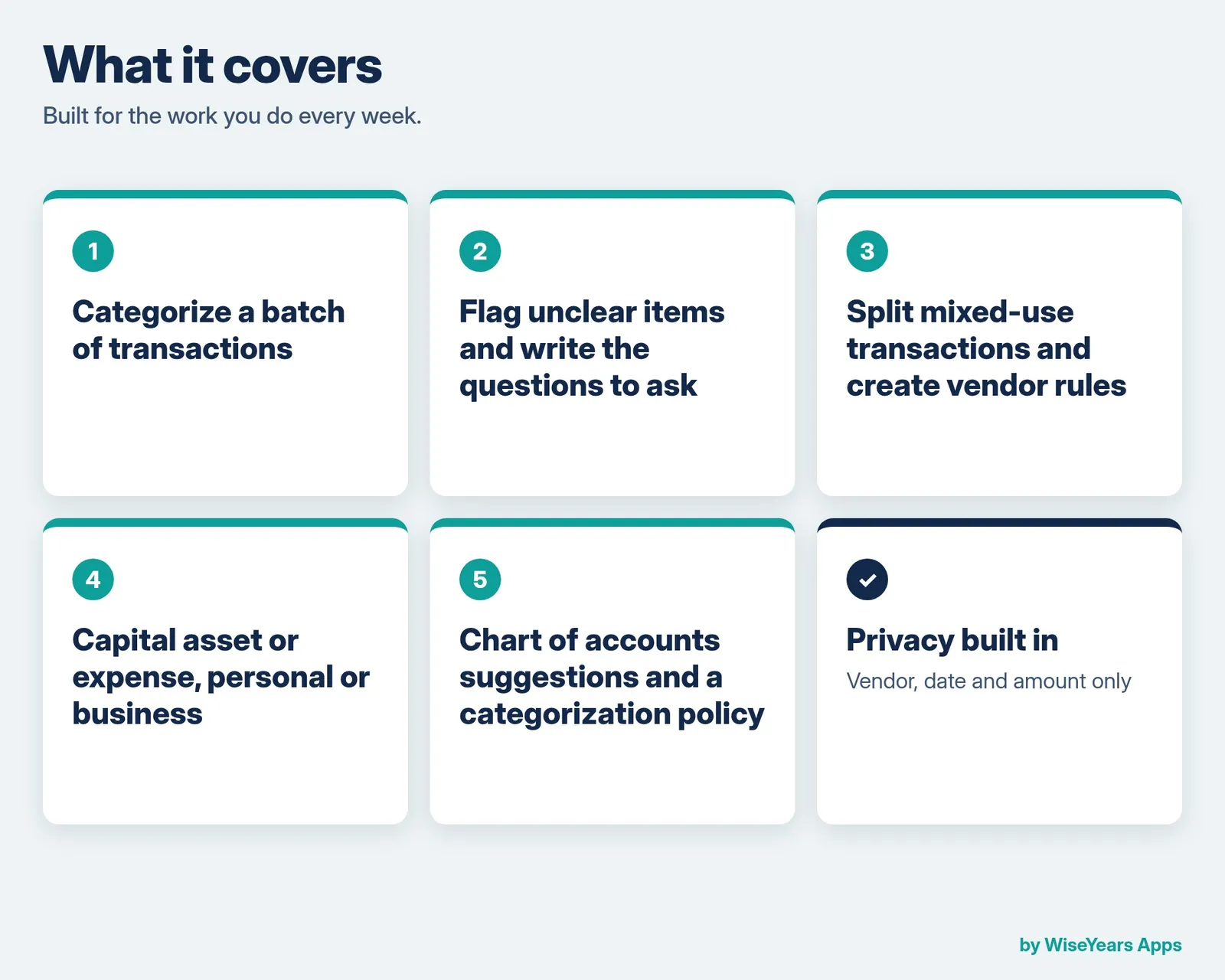
What's inside
- Categorize a batch of transactions
- Flag unclear items and write questions
- Split mixed-use transactions and create vendor rules
- Capital asset or expense, personal or business
- Chart of accounts suggestions and a categorization policy
Who it's for
- Bookkeepers who categorize expenses and want repeatable vendor rules
Before you buy
Privacy tip: paste the vendor, date, and amount only. Remove account numbers, card numbers, and customer names before you paste transactions into an AI tool.
Runs in the browser. This is an app, not a spreadsheet. Checkout and delivery open in a new tab.
Checkout and delivery open in a new tab. One purchase is for your own bookkeeping.