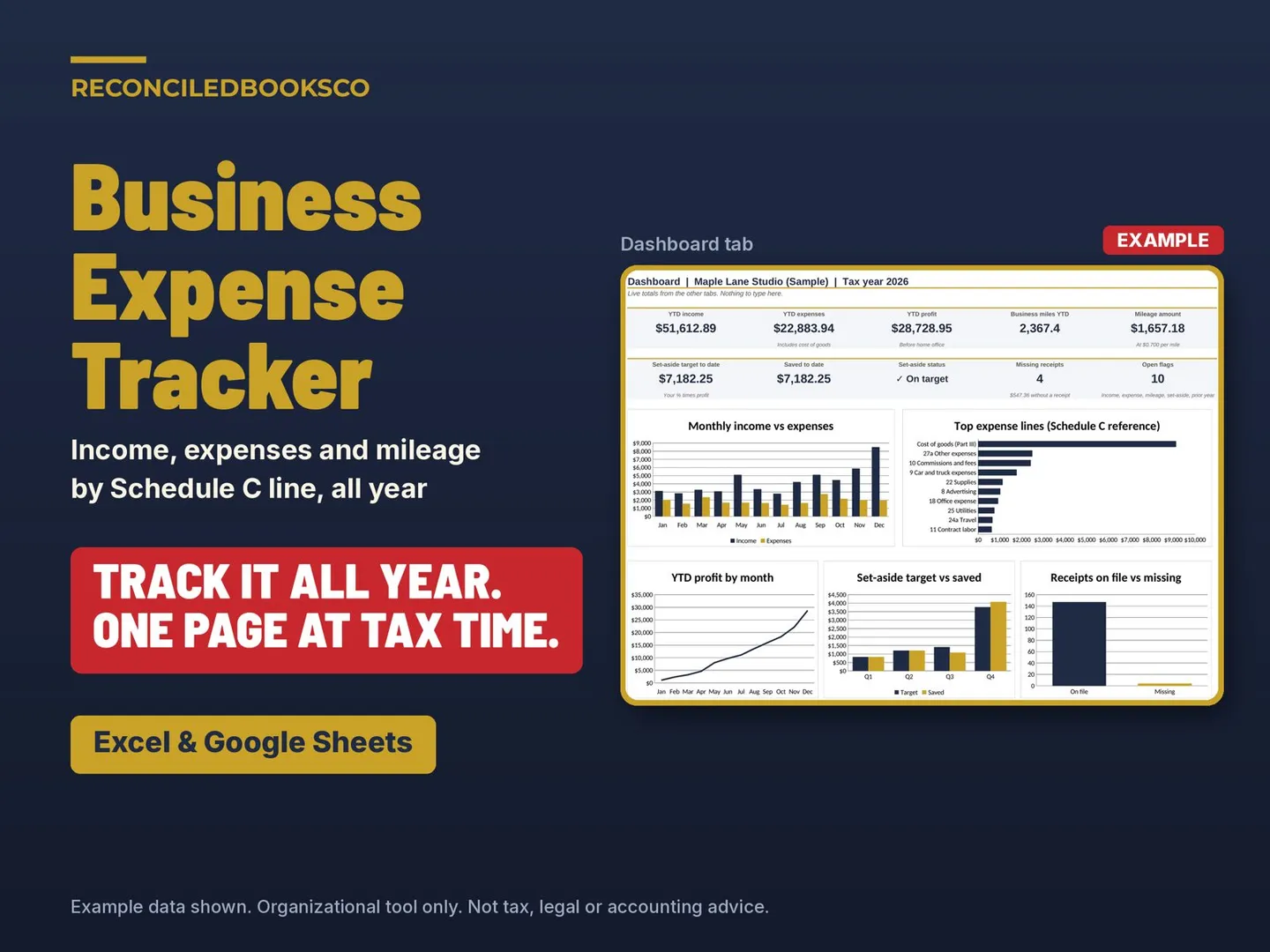
Mileage Log and Quarterly Tax Tracker
$12.99
Log business miles, income and expenses in your browser and see what to set aside before each quarterly due date. Offline, no account, no subscription.
Organizational tool, not tax, legal, or financial advice.
Share
See how it works
The screenshots below are from the app, in the order you work through them.
Step 1
Download and unzip the file.
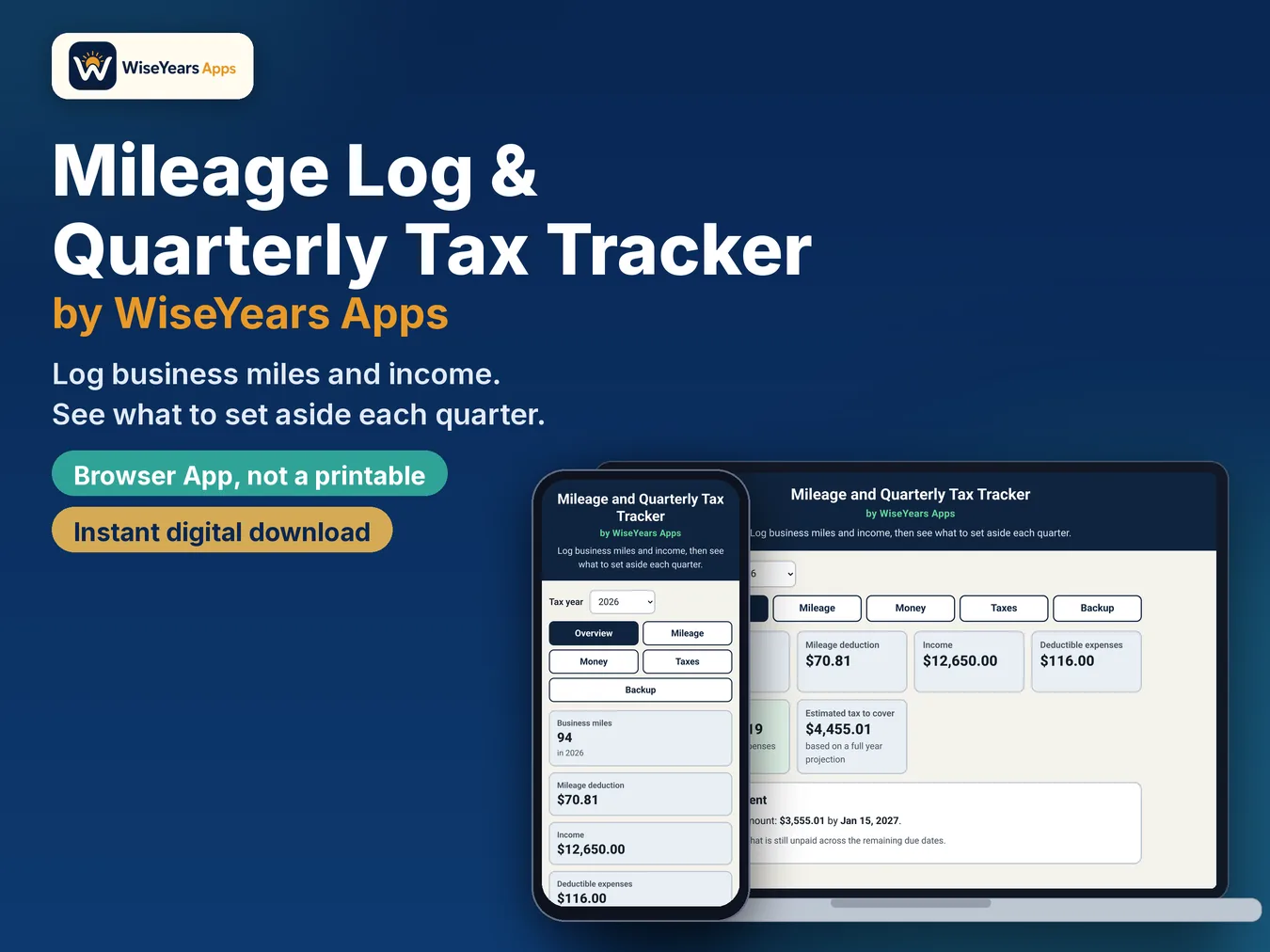
Step 2
Open the app file in your web browser on your phone, tablet or computer.
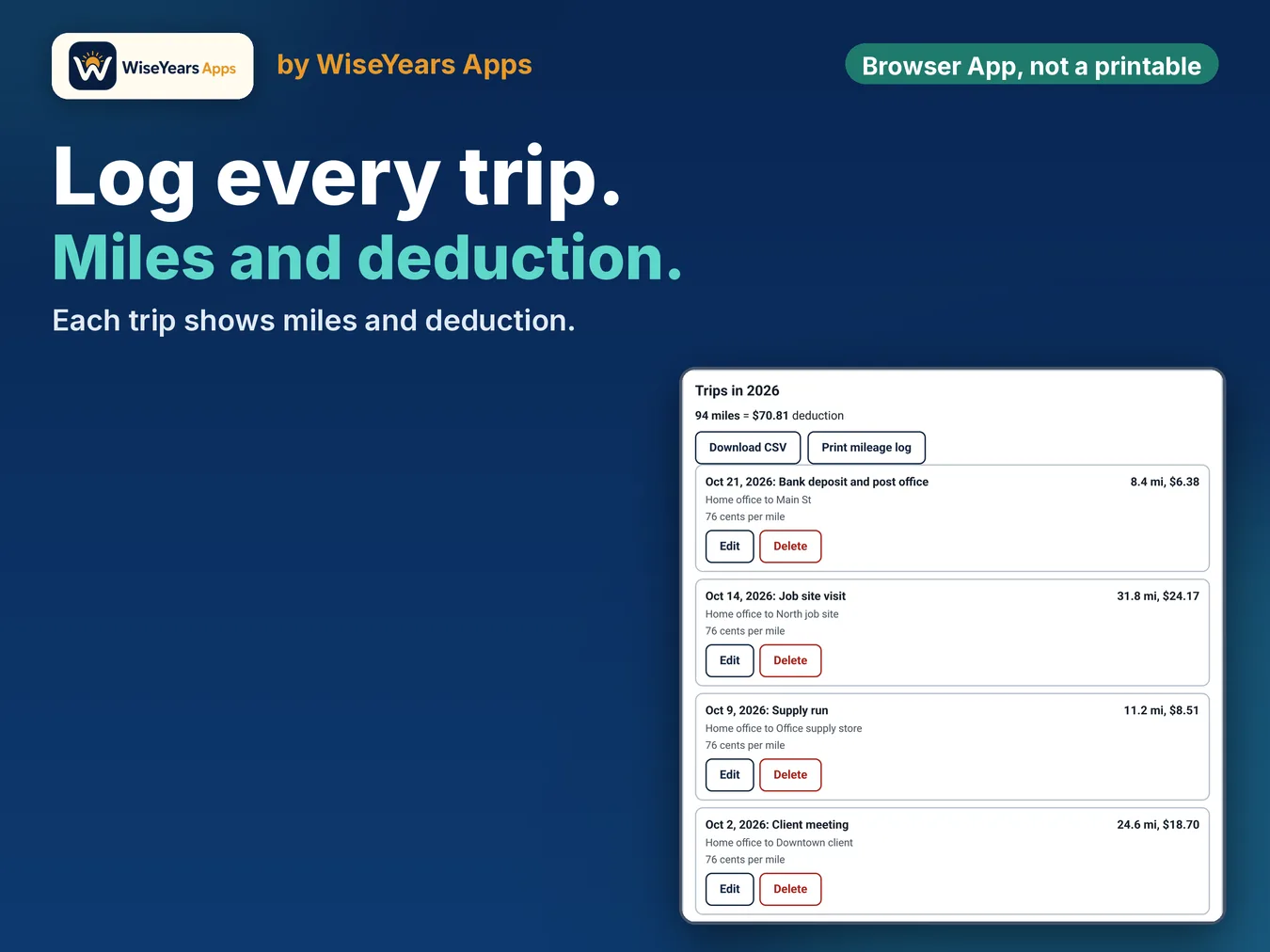
Step 3
Log trips, income and expenses. Set your tax rates in the Taxes tab.
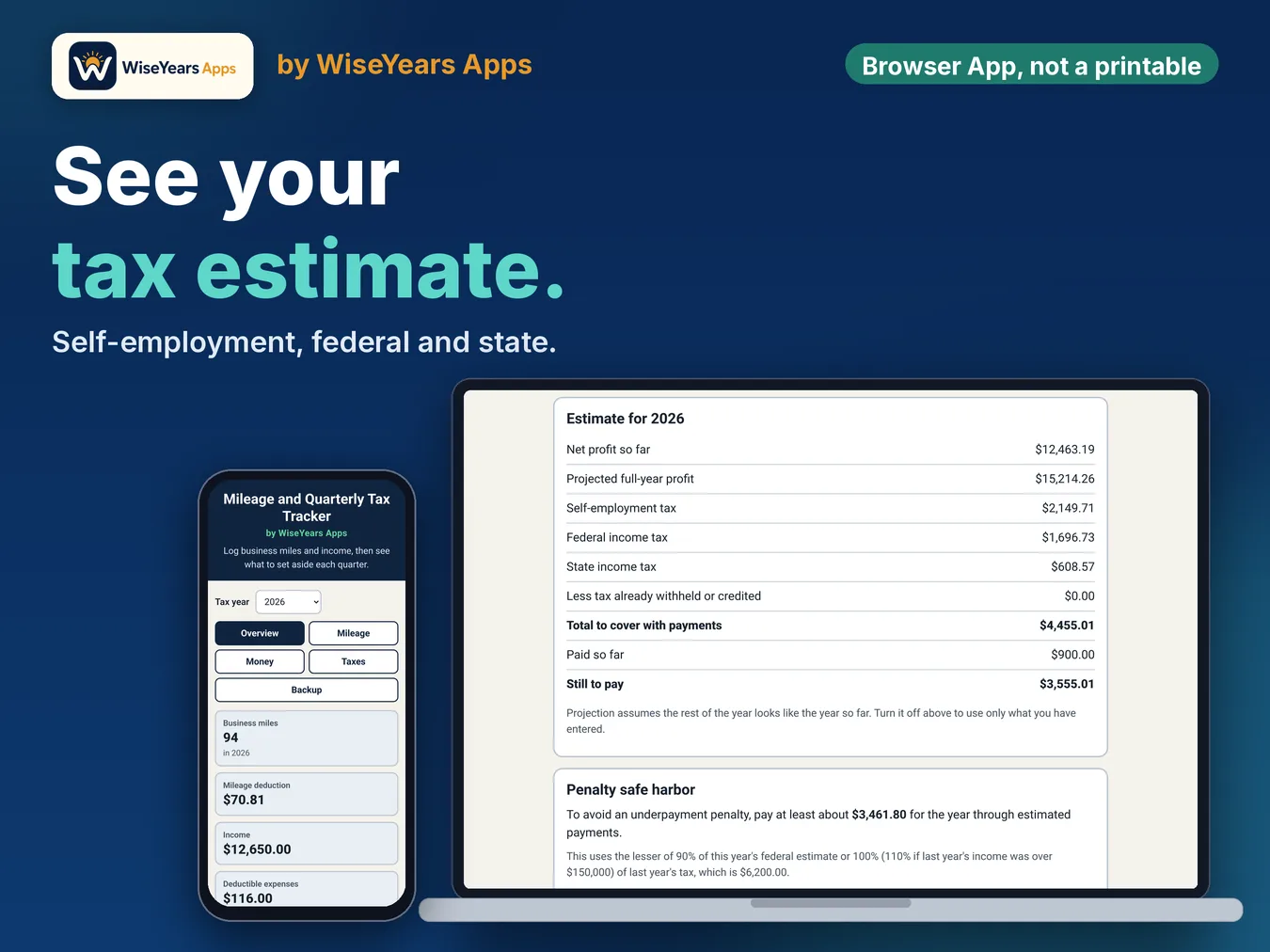
Step 4
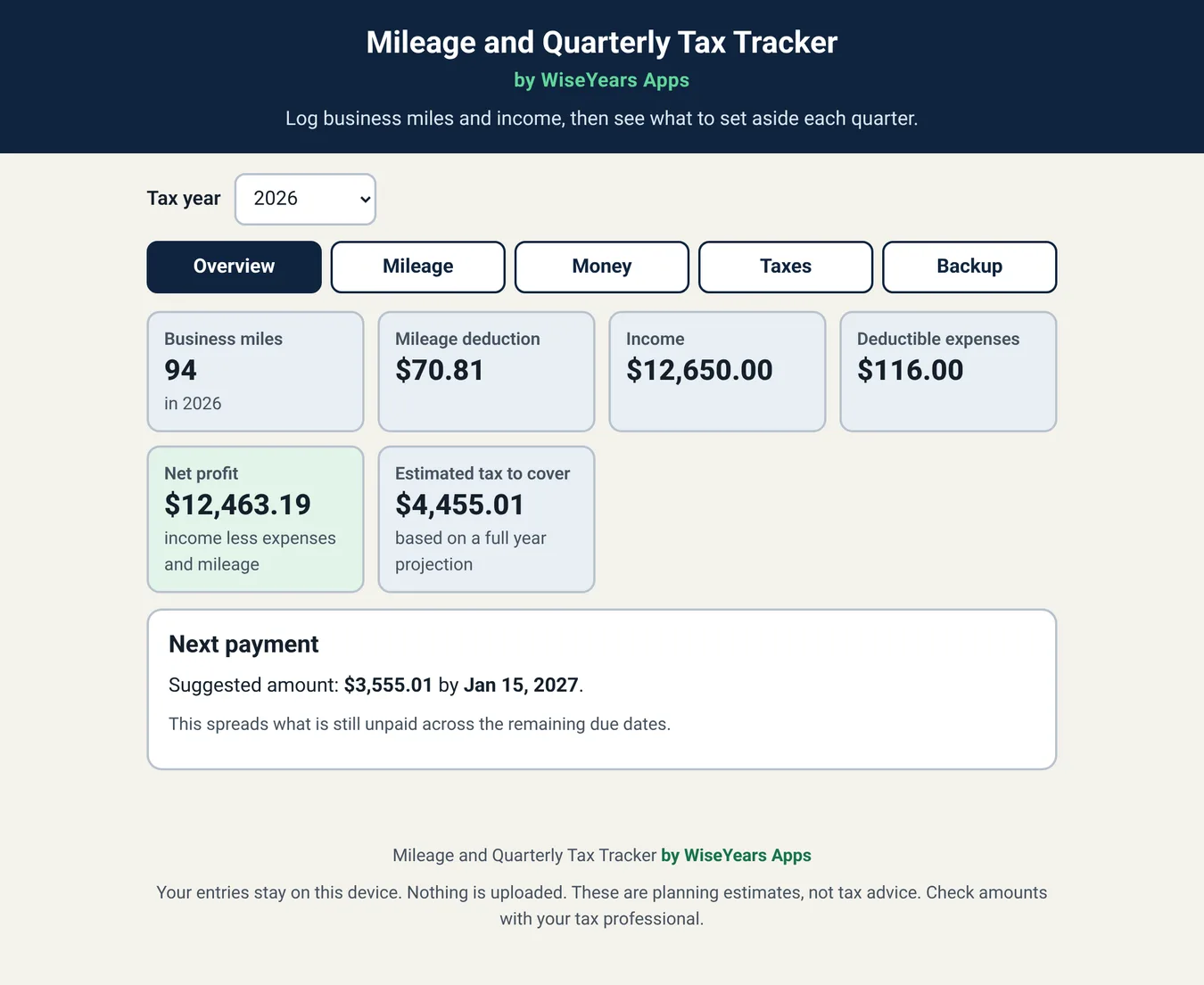
Check the Overview for your next suggested payment.
Screenshot
Screenshot from the app.
Screenshot
Screenshot from the app.
Watch the walkthrough
What's inside
- Mileage log: date, purpose, start, destination, miles, and a round trip option
- Mileage deduction from the trip date at the IRS business rate (72.5 cents through June 30, 2026 and 76 cents from July 1). You can change it
- Income and expense log with common business categories
- Net profit, self-employment tax and an income tax planning estimate
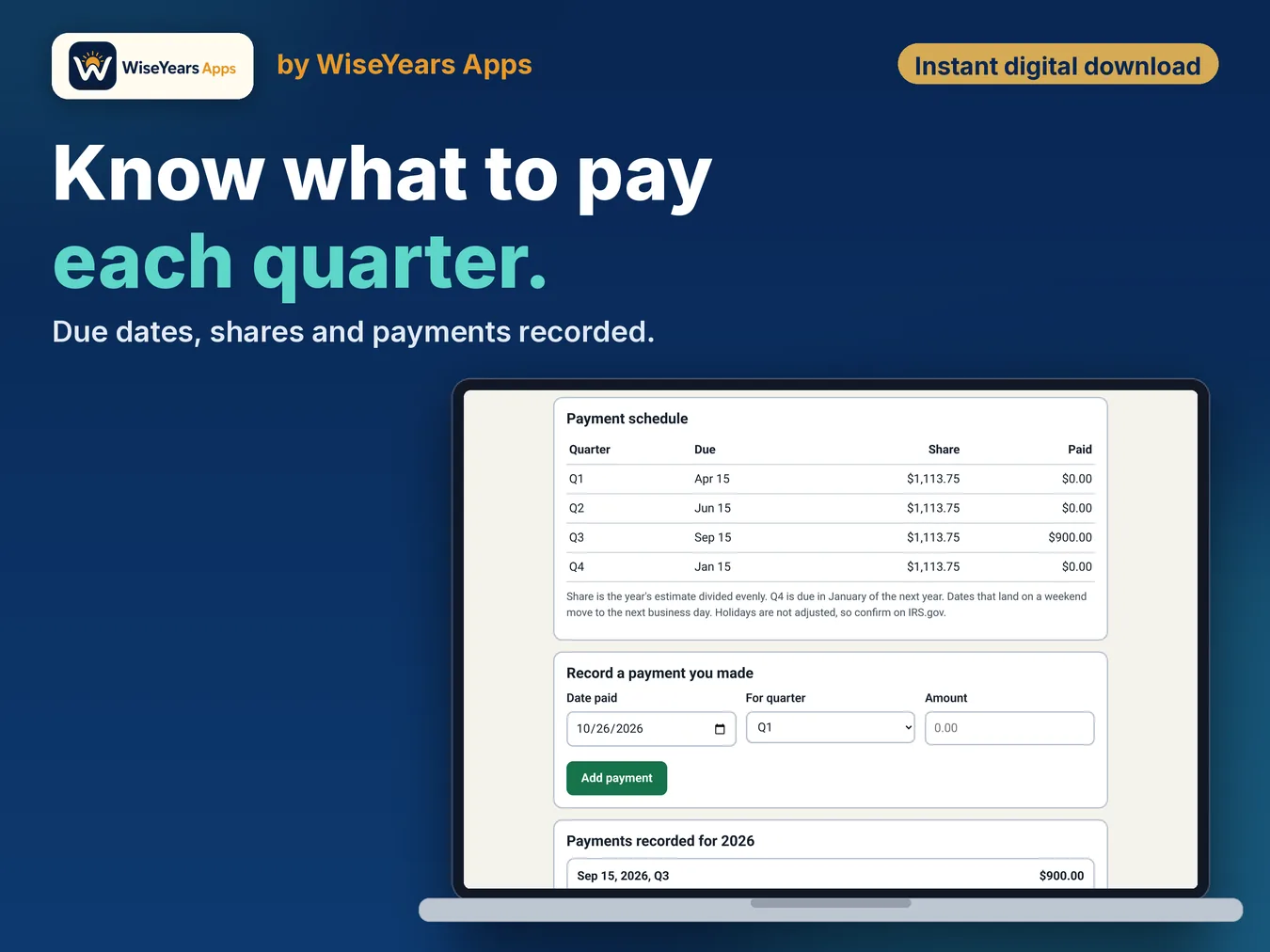
- All four quarterly due dates, with a suggested amount for the next one
- Record the payments you make. The app spreads what is left across the remaining dates
- Prior year safe harbor check using last year's tax
- Download your mileage log or income and expenses as a CSV, or print your mileage log
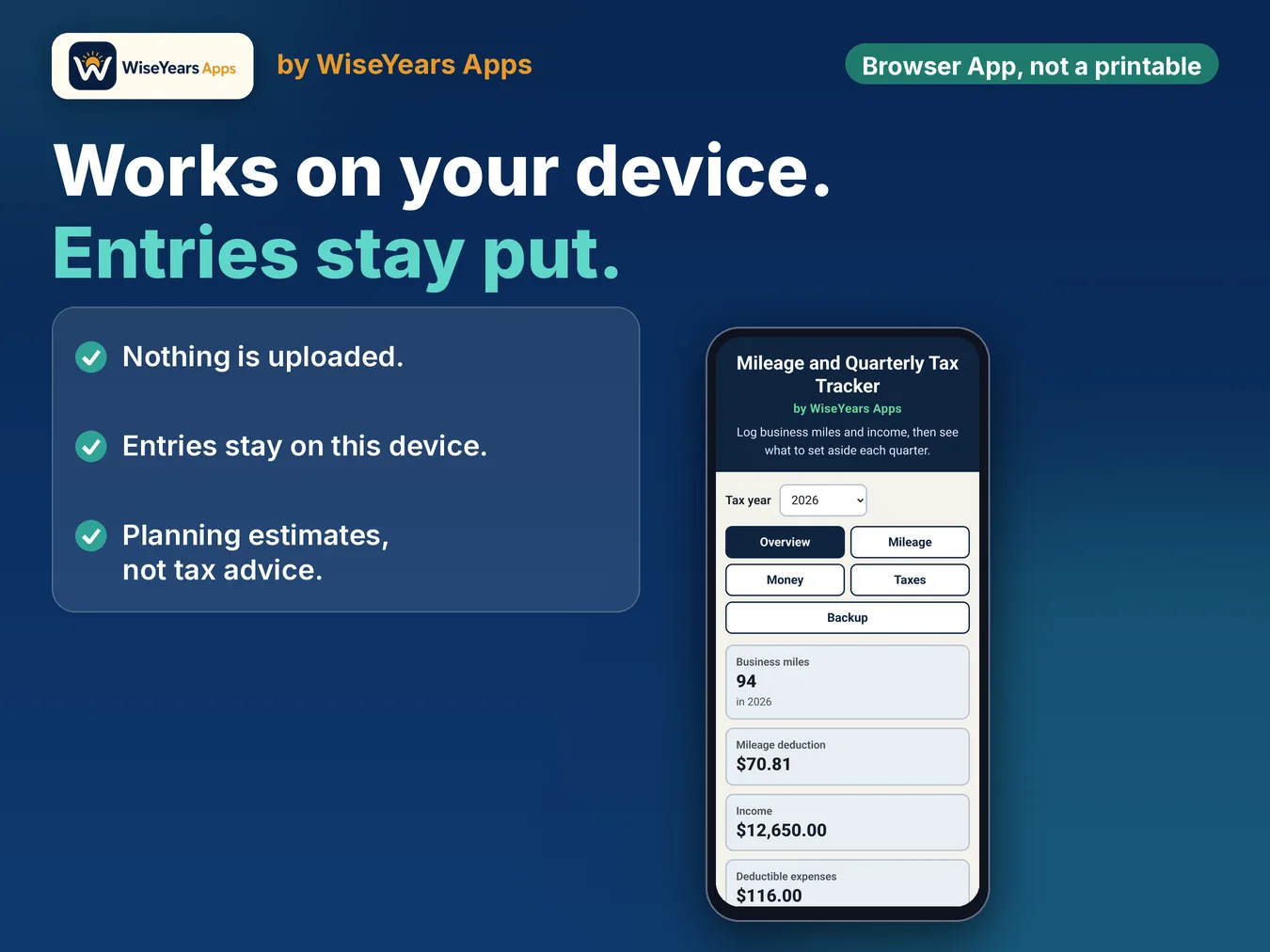
- Works offline. No account, no subscription, no install. Your entries stay on your device
- Save a backup file any time and restore it later
Who it's for
- Freelancers, gig workers, delivery and rideshare drivers, and side hustlers who log business miles and plan quarterly taxes
Details
Quarterly taxes sneak up on you when you work for yourself. This browser app keeps your business miles, income and expenses in one place and shows you what to set aside before each due date. It is built for freelancers, gig workers, delivery and rideshare drivers, and side hustlers.
It is a digital browser app, not a printable. It works on a phone, tablet or computer with a web browser. There is no app store and no account.
The download is one ZIP with the app (one HTML file that opens in Chrome, Edge, Safari or Firefox) and a 3-page how-to guide (PDF).
Before you buy
All amounts are planning estimates. Check the current mileage rate and due dates on IRS.gov. Use the same browser on the same device so your entries stay put, and save backups.
Runs in the browser. This is an app, not a spreadsheet. Checkout and delivery open in a new tab.
Checkout and delivery open in a new tab. One purchase is for your own bookkeeping.